QED 6
Users Guide
2-32
Printing the Analyzer Report Header
All test reports created by the Analyzer can be printed via the RS232 port.
To print the report header:
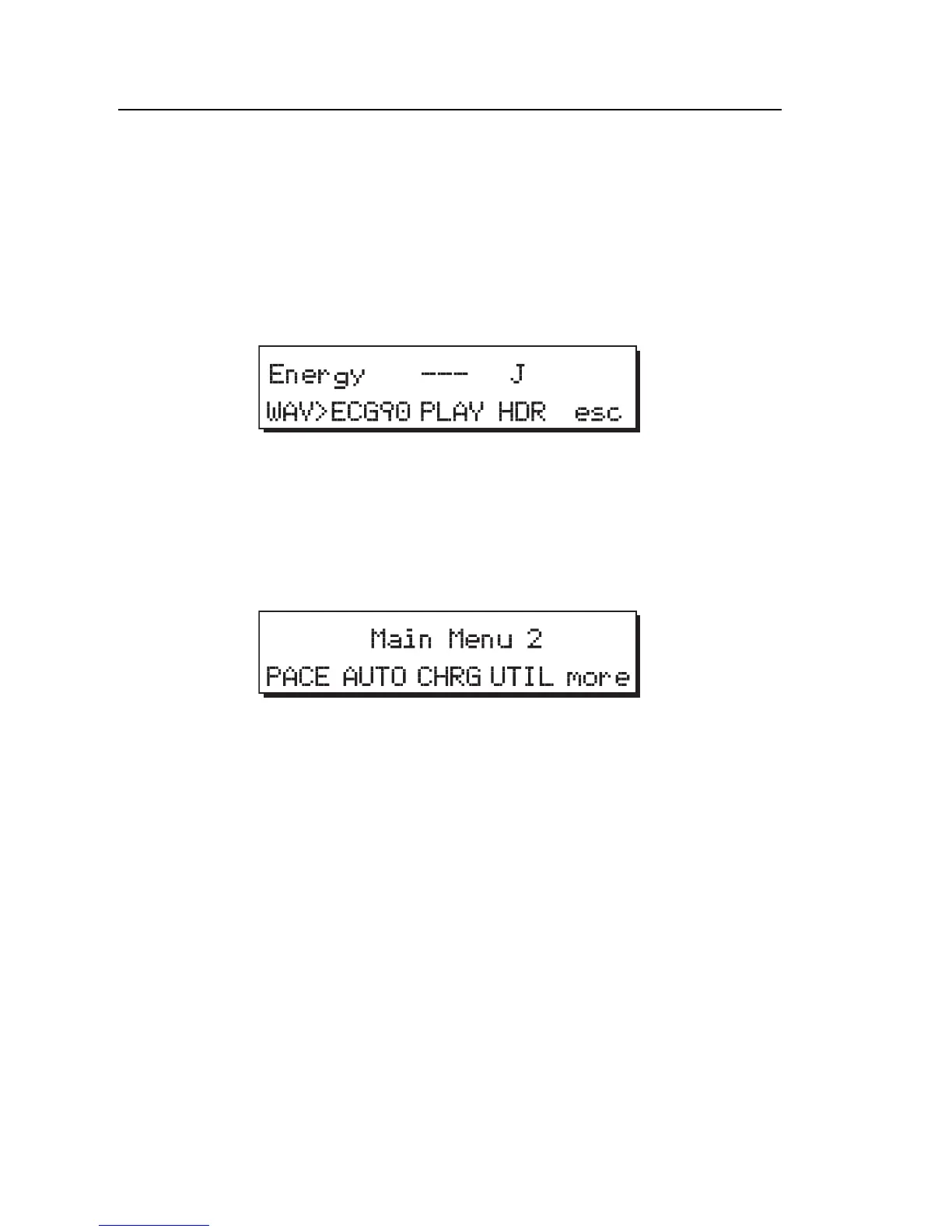
1. From Main Menu 1, press the ENRG softkey to access the Energy
menu:
fcf006.eps
2. Press the HDR softkey to forward the header via the serial port to the
target device (computer or serial printer).
To print a report header from the Pacer menu:
1. From Main Menu 1, press the more softkey to access Main Menu 2:
fcf026.eps
2. Press the PACE softkey to access the Pacer menu:
3. Press the HDR softkey to forward the header via the serial port to the
target device (computer or serial printer).
An example of a standard printout (manual operation) with a header is
shown in Figure 2-10. During manual operation, results are output to the
printer (or computer) immediately after each test is performed.
Note
These results do not appear on the display when no printer or
computer is attached to the Analyzer.
An example of a standard printout (automatic sequence) with a header is
shown in Figure 2-11. In Autosequencing mode, all results are output to
the printer (or computer) after the sequence is complete.



 To Next Page