QED 6
Users Guide
2-24
Note
Pacer voltage and current are displayed as average voltage and
current. If a printer is connected to the Analyzer, the printout also
documents peak voltage and current. If computer control is being
used, no peak values are available. All voltage measurements are
referenced to the internal 50
Ω
load.
Pacemaker Refractory Period Testing
To test the pacer refractory period:
1. Set the pacer in demand mode.
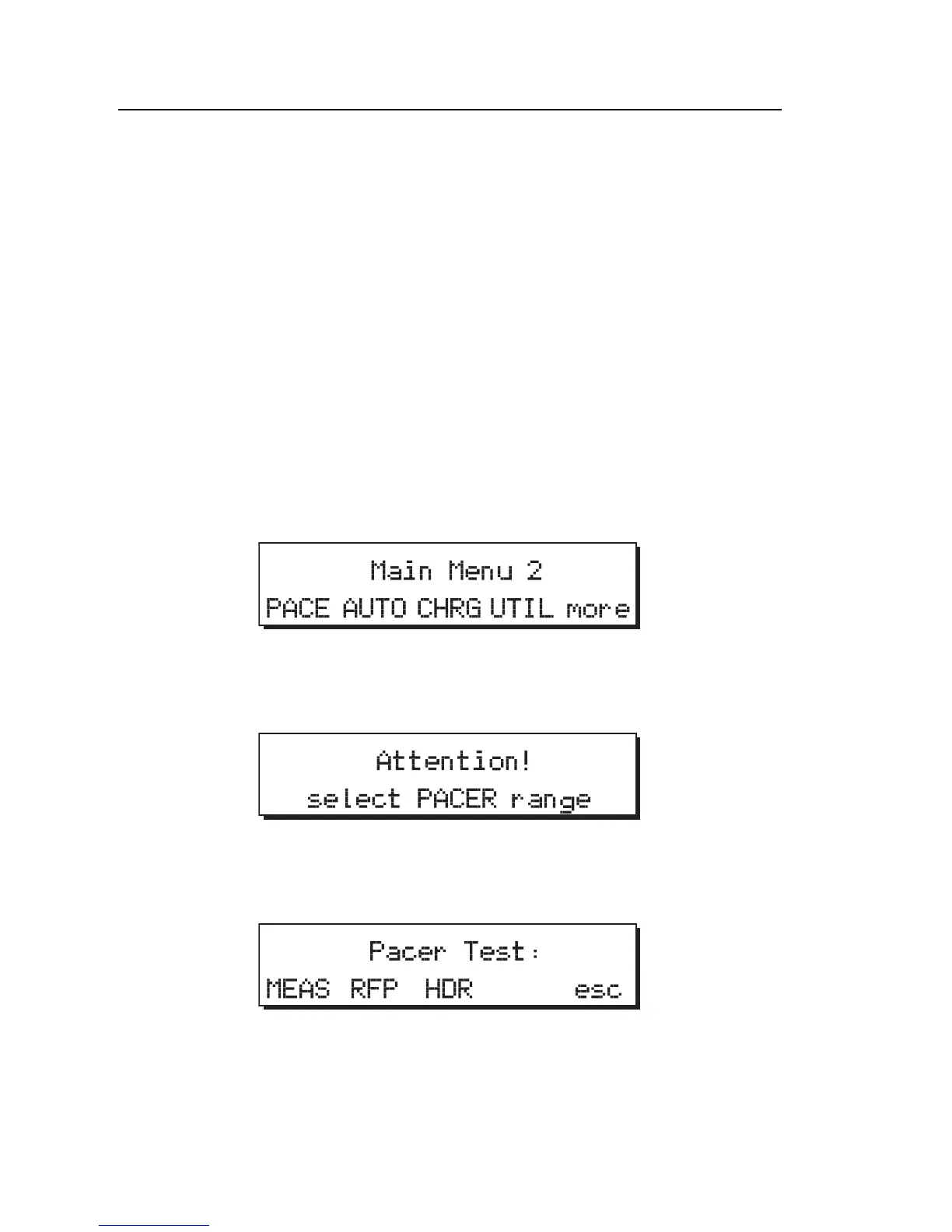
2. From Main Menu 1, press more to access Main Menu 2. The following
displays:
fcf026.eps
3. Set the range switch to pacer. Otherwise the unit beeps and displays the
following message:
fcf029.eps
4. From Main Menu 2, press the PACE softkey to display the Pacer
Tests menu:
fcf032.eps
5. Press RFP to select refractory period testing. Refer to Figure 2-9 for
setup. The following menu appears.



 To Next Page