Operation
Resetting the Analyzer to Factory Defaults
2
2-35
PACER OUTPUT MEASUREMENTS
Pulse Rate: 40 PPM
Pulse Width: 0.0 ms
Peak Current: 0.0 ma
Peak Voltage: 0.0 V
Ave Current 0.0 ma
Ave Voltage: 0.0 V
PACER REFRACTORY MEASUREMENTS
Selected Pacing Rate: 40 PPM
Pulsed Refractory Period: 329.2 ms
Sensed Refractory Period: 195.4 ms
fcf054.eps
Figure 2-11. Automatic Sequence Output with Header (cont.)
Resetting the Analyzer to Factory Defaults
To reset the Analyzer defaults:
1. From Main Menu 2, press the AUTO softkey to display the
Autosequences menu:
fcf048.eps
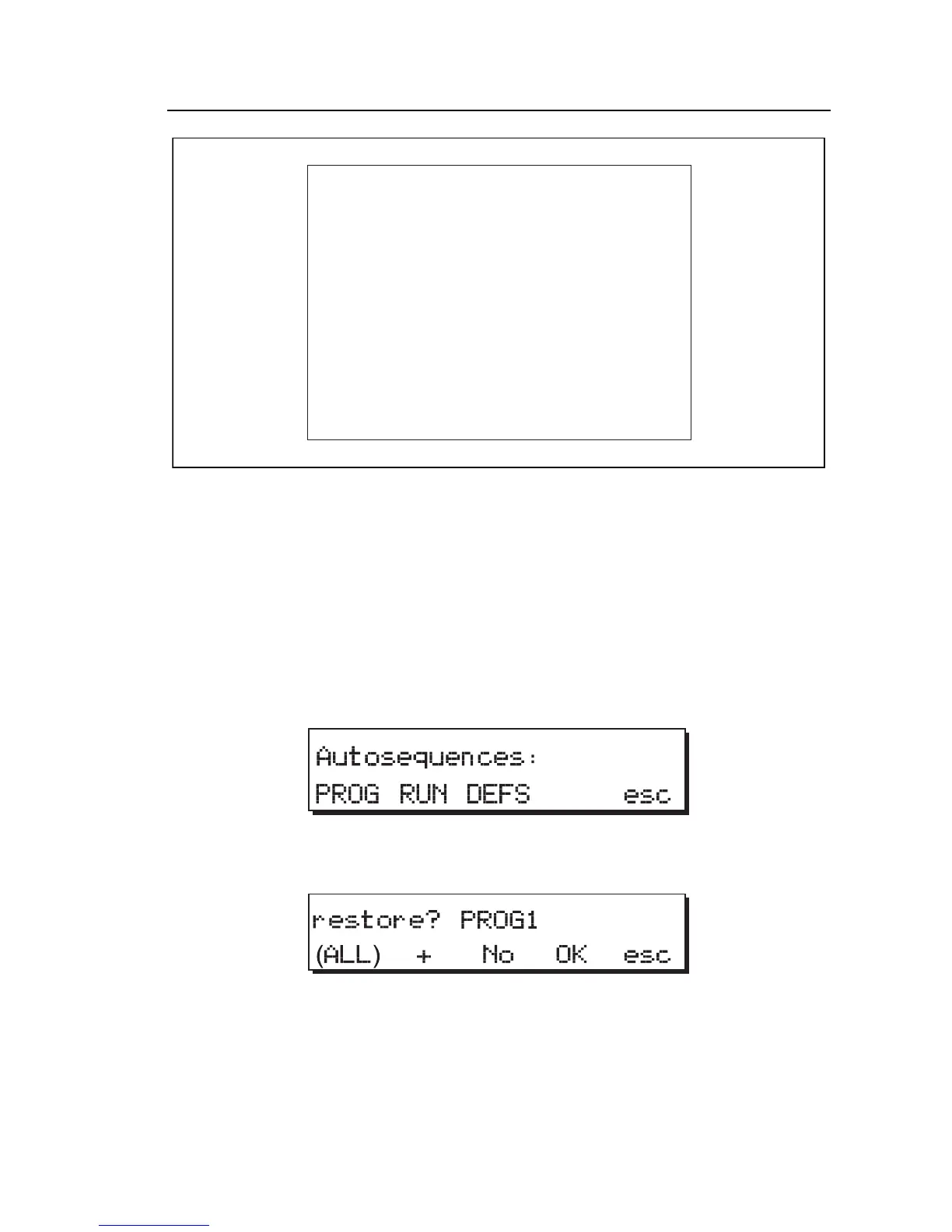
2. Press the DEFS (defaults) softkey to access the restore menu.
fcf049.eps
3. Select one of the following options:
• Press (ALL) to restore all 28 factory default programs.
• Press + to scroll through the programs; stop when the desired
program name appears.



 To Next Page