Operation
Programming an Automatic Test Sequence
2
2-27
To program an automatic test sequence, carry out the following steps and those
listed under individual headings, below:
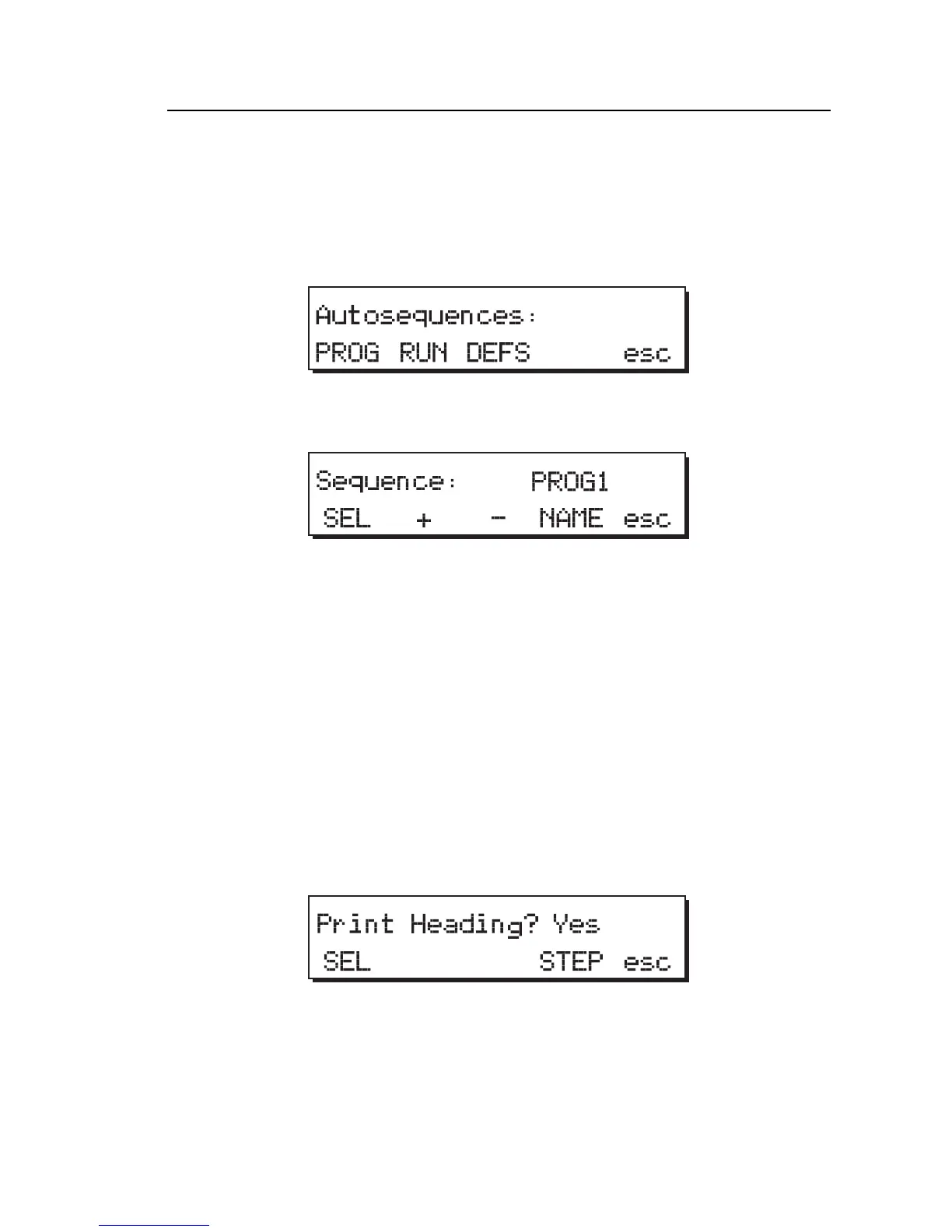
1. From Main Menu 2, press the AUTO softkey to display the
Autosequences menu:
fcf034.eps
2. Press the PROG softkey to access the individual programs to be modified.
fcf035.eps
Program Selection
1. Select the automatic test sequence to be modified by pressing the + or -
softkeys to increase / decrease program numbers.
Available programs are named PROG and numbered 0-27, but you can
press the NAME softkey and modify the program name and number.
2. Press the SEL softkey to confirm the program selected for modification
and to attach a header.
You are asked if you wish to attach a header to the data to be output after
the test sequence has been run.
fcf036.eps
3. Press the SEL softkey to toggle between Yes and No.



 To Next Page