QED 6
Users Guide
2-28
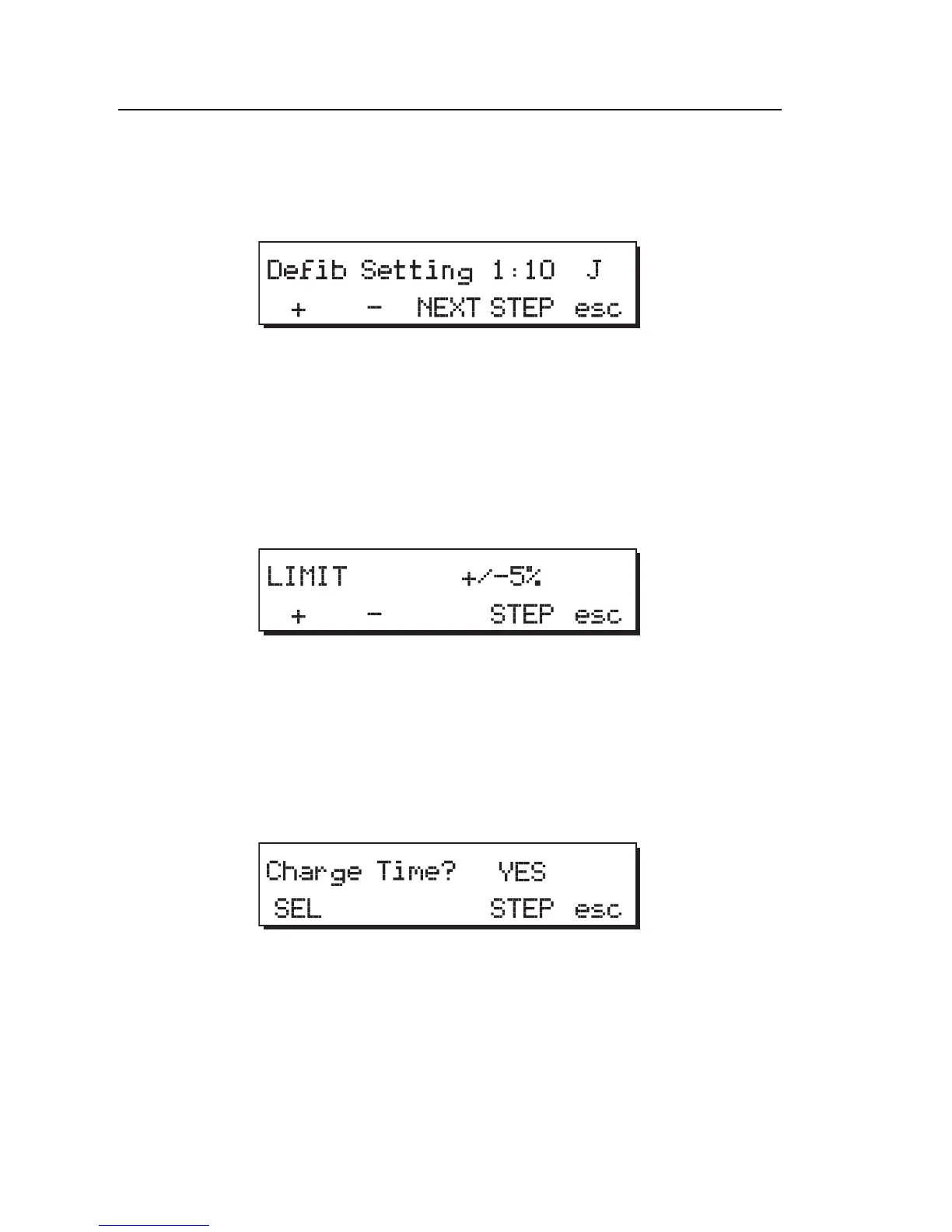
Defib Setting
1. Press STEP to advance to the next check item, Defib Setting.
fcf037.eps
2. Press + or - to increase or decrease the defib setting.
3. Press NEXT for the next defib setting.
Energy Limits
1. Press STEP to advance to the next check item, Limit.
fcf038.eps
2. Press the + or - softkeys to increase / decrease the accuracy limit.
Charge Time
1. Press STEP to advance to the next check item, Charge Time.
fcf039.eps
2. Press the SEL softkey to toggle between Yes and No.



 To Next Page