QED 6
Users Guide
2-38
Preparing for Serial Communications
Several steps are required to prepare the Analyzer for serial communications
with an attached computer. The first is setting parameters for RS232 data
transfer.
Note
Ensure that the Baud Rate, Parity, Data, and Stop Bits settings
selected for the Analyzer match those set on the computer.
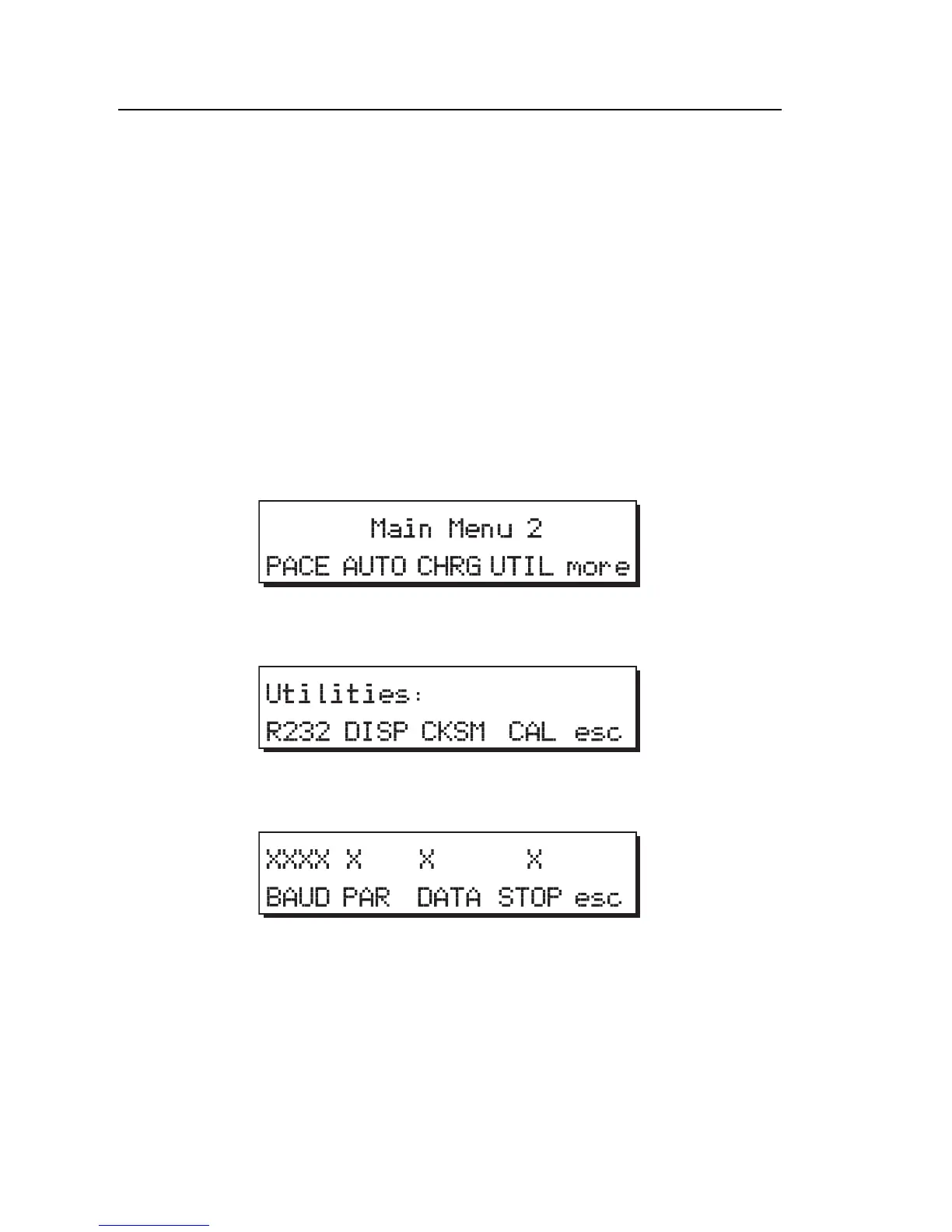
To set RS232 parameters on the Analyzer:
1. From Main Menu 1, press more to access Main Menu 2. The following
displays:
fcf026.eps
2. From Main Menu 2, press the UTIL softkey to display the following:
fcf055.eps
3. Press the R232 softkey to display the following:
fcf056.eps



 To Next Page