QED 6
Users Guide
2-30
ECG Performance
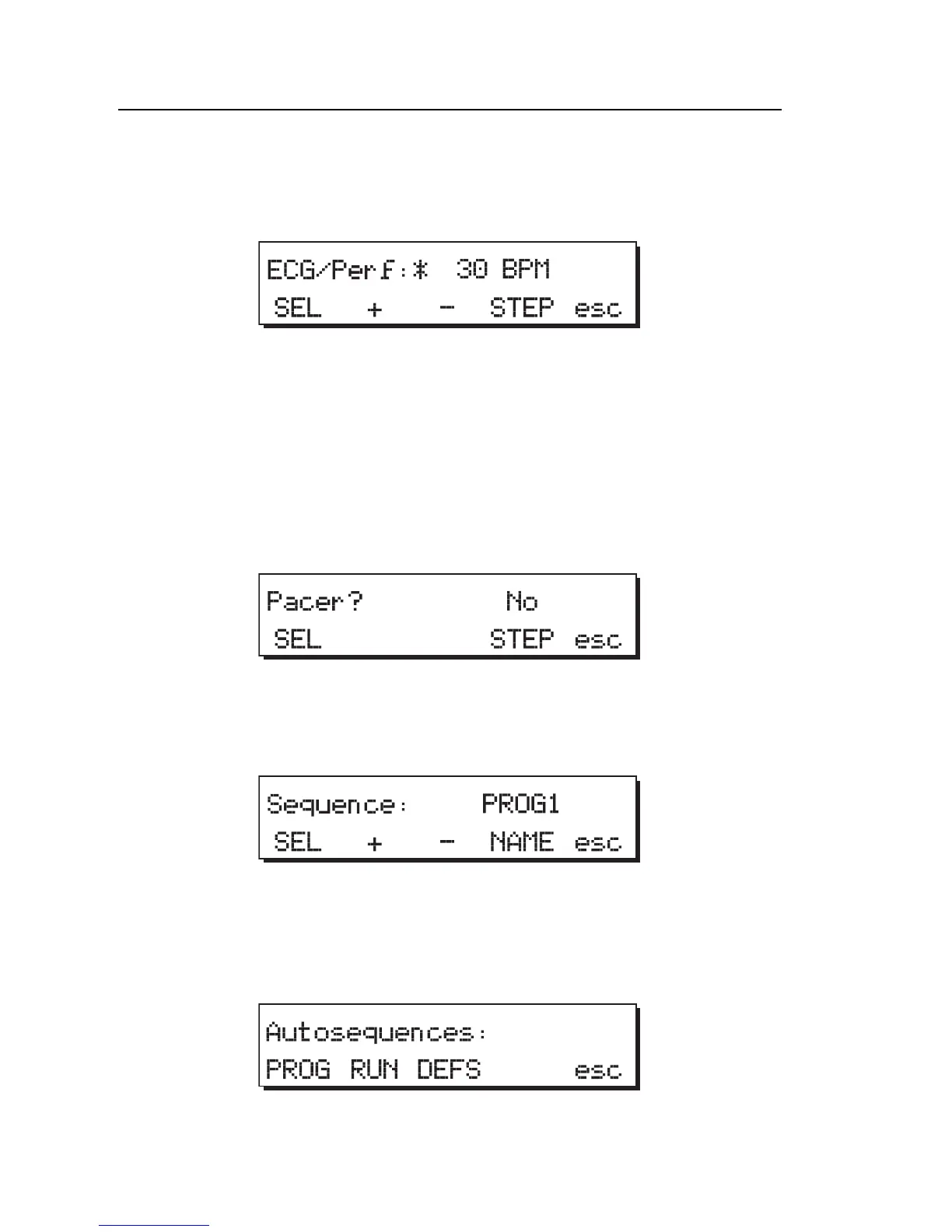
1. Press STEP to advance to the next check item, ECG/Perf.
fcf043.eps
2. Press + or - to advance to the next waveform.
3. Press SEL to program / deprogram a waveform. An * indicates that the
item is programmed.
Pacer
1. Press STEP to advance to the next check item, Pacer.
fcf044.eps
2. Press the SEL softkey to toggle between Yes and No.
3. Press STEP to return to the program menu.
fcf045.eps
4. Press the esc softkey. You are asked, “Save Changes?”
5. Press the YES softkey to save the program or the NO softkey to return
without saving; both return to the Autosequences menu:
fcf046.eps
6. Press the esc softkey to return to Main Menu 2.



 To Next Page