Operation
Running an Automatic Test Sequence
2
2-31
Note
The changes are saved until the program is modified again, or the
Analyzer is reset to factory defaults.
Running an Automatic Test Sequence
To run an automatic test sequence:
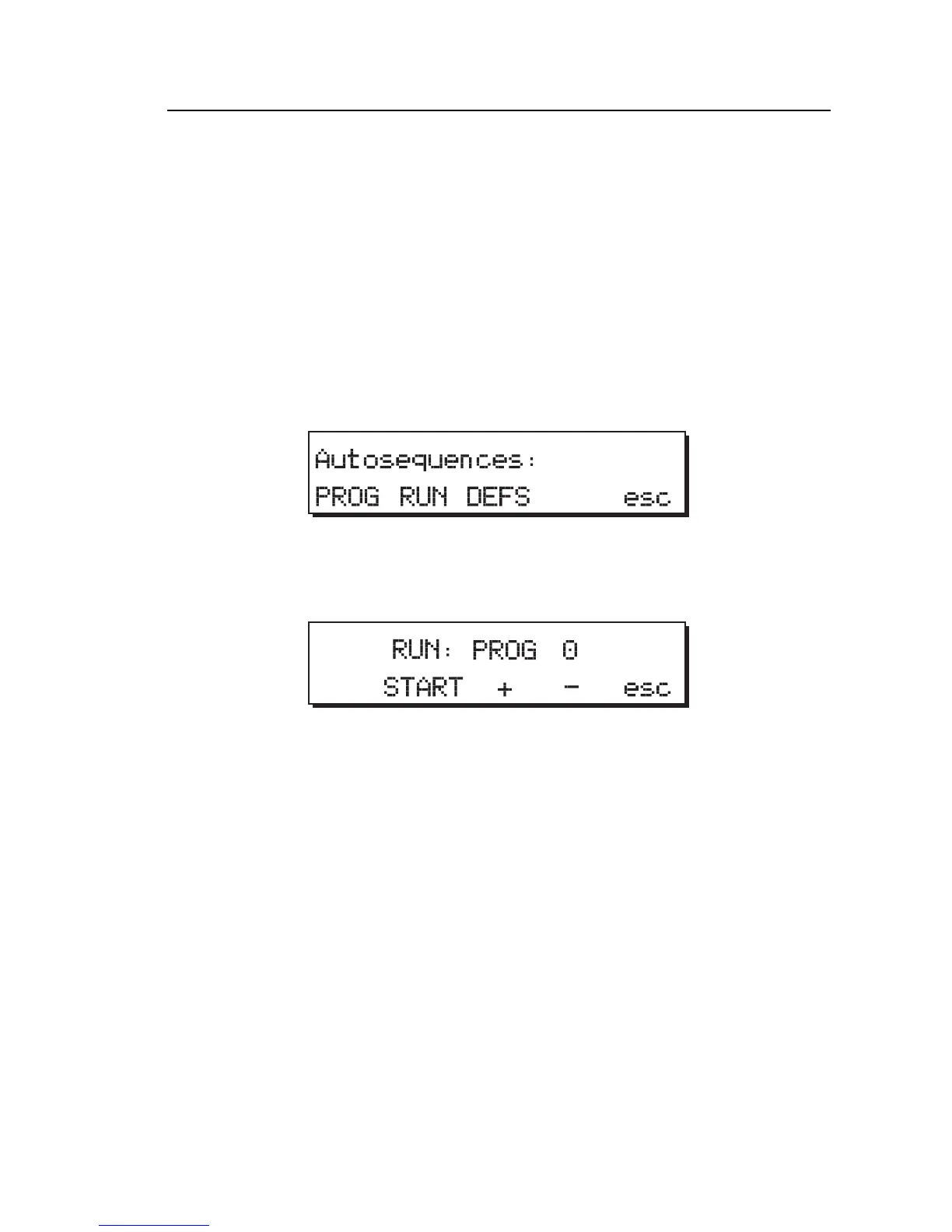
1. From Main Menu 2, press the AUTO softkey to display the
Autosequences menu:
fcf046.eps
2. Press the RUN softkey to select an autosequence program, which are
numbered 0 - 27.
fcf047.eps
3. Press the + or - softkey to increase / decrease the program numbers.
4. When the desired program number displays, press the START softkey to
start the selected program.
The Analyzer prompts the user through the complete autosequence
program. Data output (if requested) to a printer or computer occurs after
the test sequence has been run.
Note
If the range switch is not already set to the appropriate range or to
pacer for PACE tests, the Analyzer sounds an audible alarm, and a
warning message appears until the condition is corrected.



 To Next Page