Operation
Adjusting Display Contrast
2
2-9
Adjusting Display Contrast
Display contrast on the Analyzer may be adjusted to optimize viewing of
menus and test data.
To set the display contrast:
1. From Main Menu 2, press the UTIL softkey to display the following:
fcf055.eps
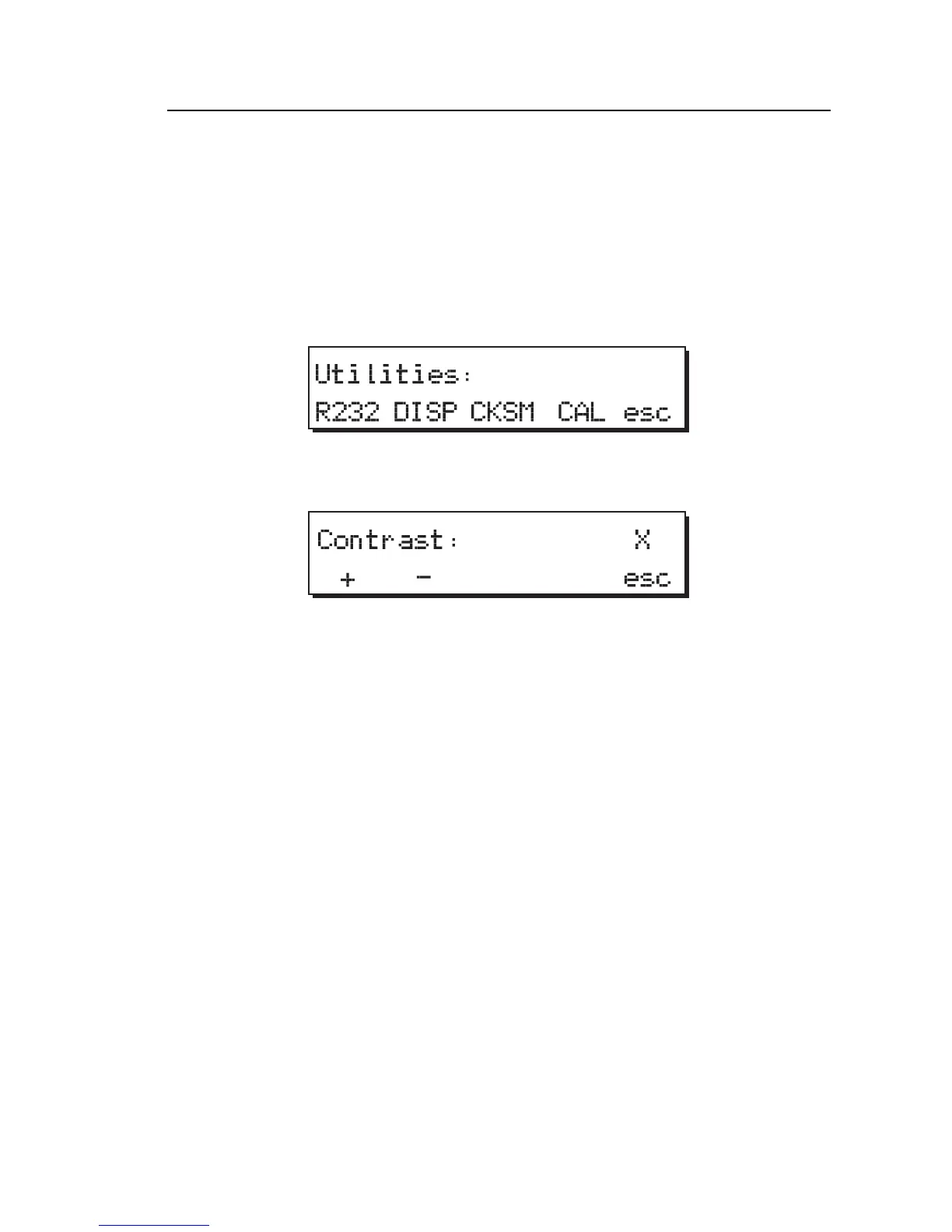
2. Press the DISP softkey to access the display Contrast menu:
fcf057.eps
3. Press the + softkey to increase the numerical value and decrease the
contrast; press the – softkey to decrease the numerical value and increase
the contrast. The default is 5.
4. Press the esc softkey to store the last displayed value in memory.
Measuring Defibrillator Energy
To measure defibrillator energy:
1. Power up the defibrillator to be tested and select the energy output
according to the manufacturer’s instructions.
2. Power up the Analyzer.
3. From Main Menu 1, press the ENRG softkey to access the Energy
menu:



 To Next Page