Operation
Generating Test Waveforms
2
2-19
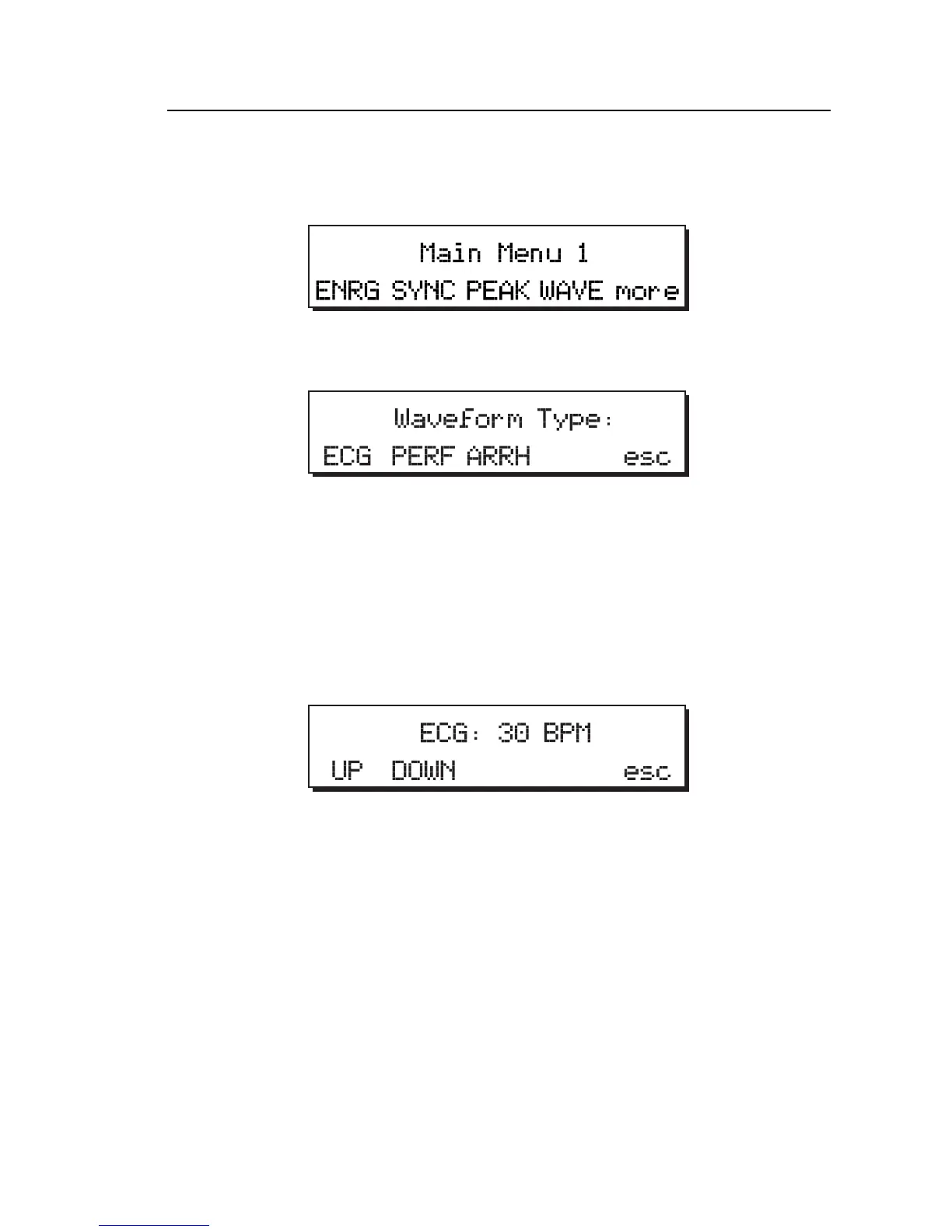
3. Power up the Analyzer by sliding the power switch forward to ON. Main
Menu 1 displays:
fcf002.eps
4. Press the WAVE softkey to access the Waveform Type menu:
fcf022.eps
5. Press the softkey corresponding to the desired wave simulation:
• ECG for ECG waveforms
• PERF for performance waveforms
• ARRH for arrhythmia waveform
For example:
fcf023.eps
To select the next available option within a waveform simulation, press
the UP softkey; to select a previous option, press the DOWN softkey.
6. Observe the waveform on the monitor under test.
Note
The selected waveform plays continuously until another is selected or
until the esc softkey is pressed.



 To Next Page