Page 14
Flymaster GPS M User Manual v. 1.0
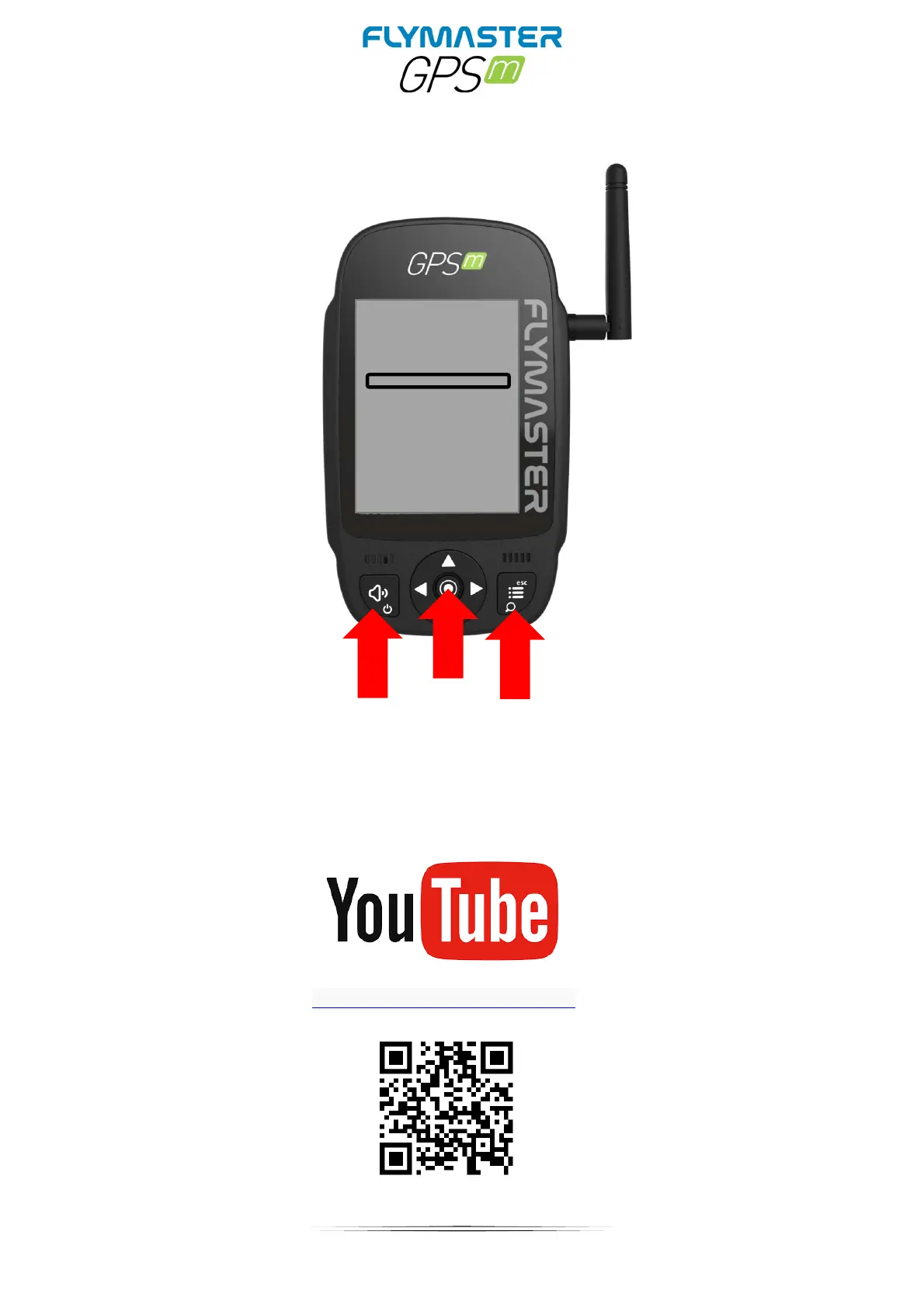
Enter “recovery mode”
If for some reason your instrument does not start and keeps rebooting without any
apparent reason, it’s possible to put it in “recovery mode” so the firmware can be restored
via Flymaster Instrument Manager.
Check the Youtube video link bellow, that explains how to do it.
https://youtu.be/YMSvr8MNkMc



 To Next Page