Page 45
Flymaster GPS M User Manual v. 1.0
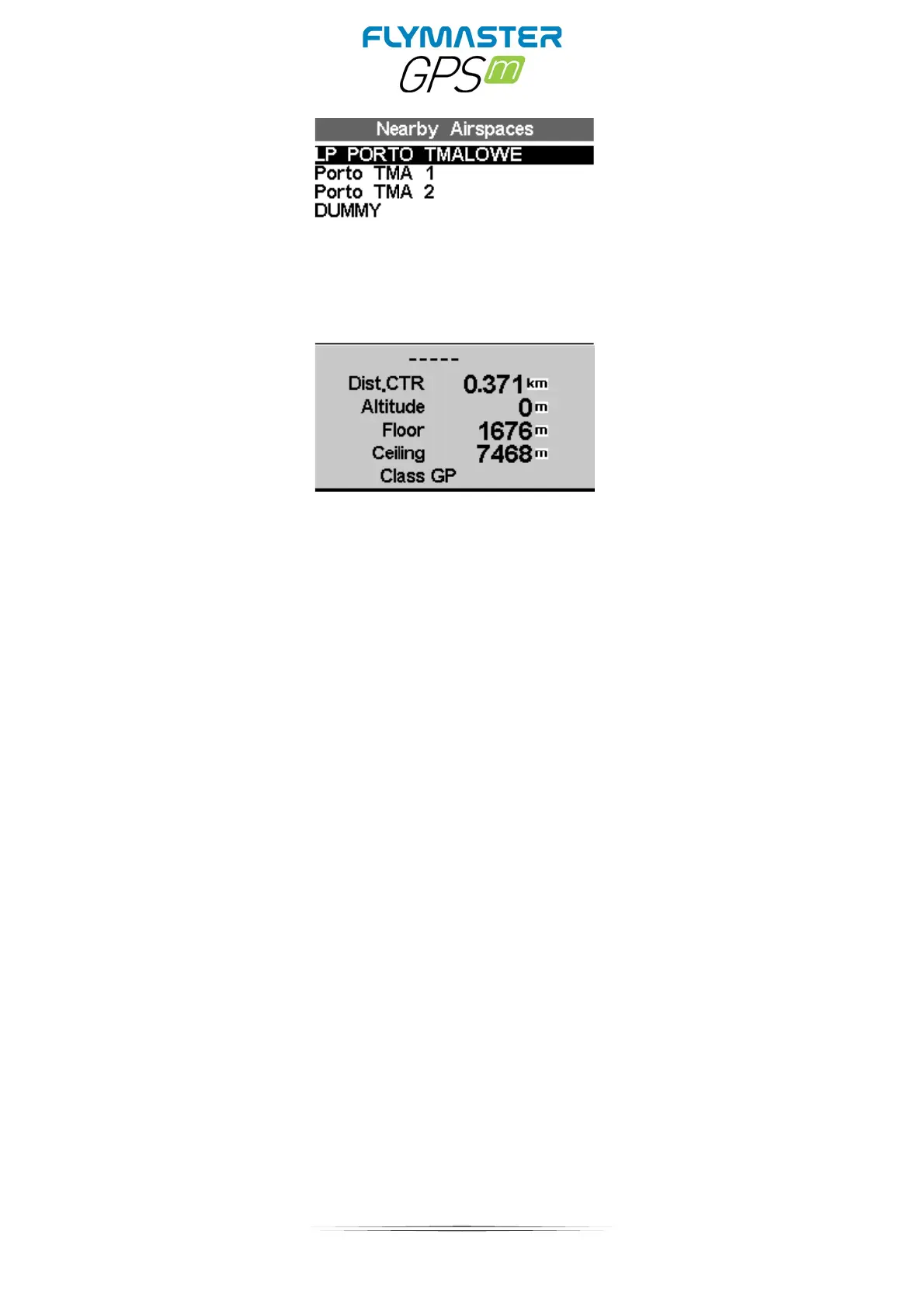
Airspace detail
If a airspace is selected using cursor buttons, the lower field is populated with the airspace
data
The Distance to the CTR
The Altitude which is the reference altitude for the airspace
The floor of the airspace which is the lowest altitude of the airspace
The ceiling which is the maximum altitude of the airspace.
The Airspace class
Pressing enter will allow to enable/disable the airspace



 To Next Page