Page 59
Flymaster GPS M User Manual v. 1.0
Pressing in a page, and selecting the
Goto Page option and pressing the ENTER button will
jump to that page on the Flight Screen. This allows the user to display any of the pages without
having to resort to trigger functions to display that particular page or having to scroll through all of
the pages in sequence using the a function key. It is also possible to disable a page so that when
you toggle through the different pages, that page is not displayed. Also all triggers associated with
the disabled page will be ignored.
Disable Page
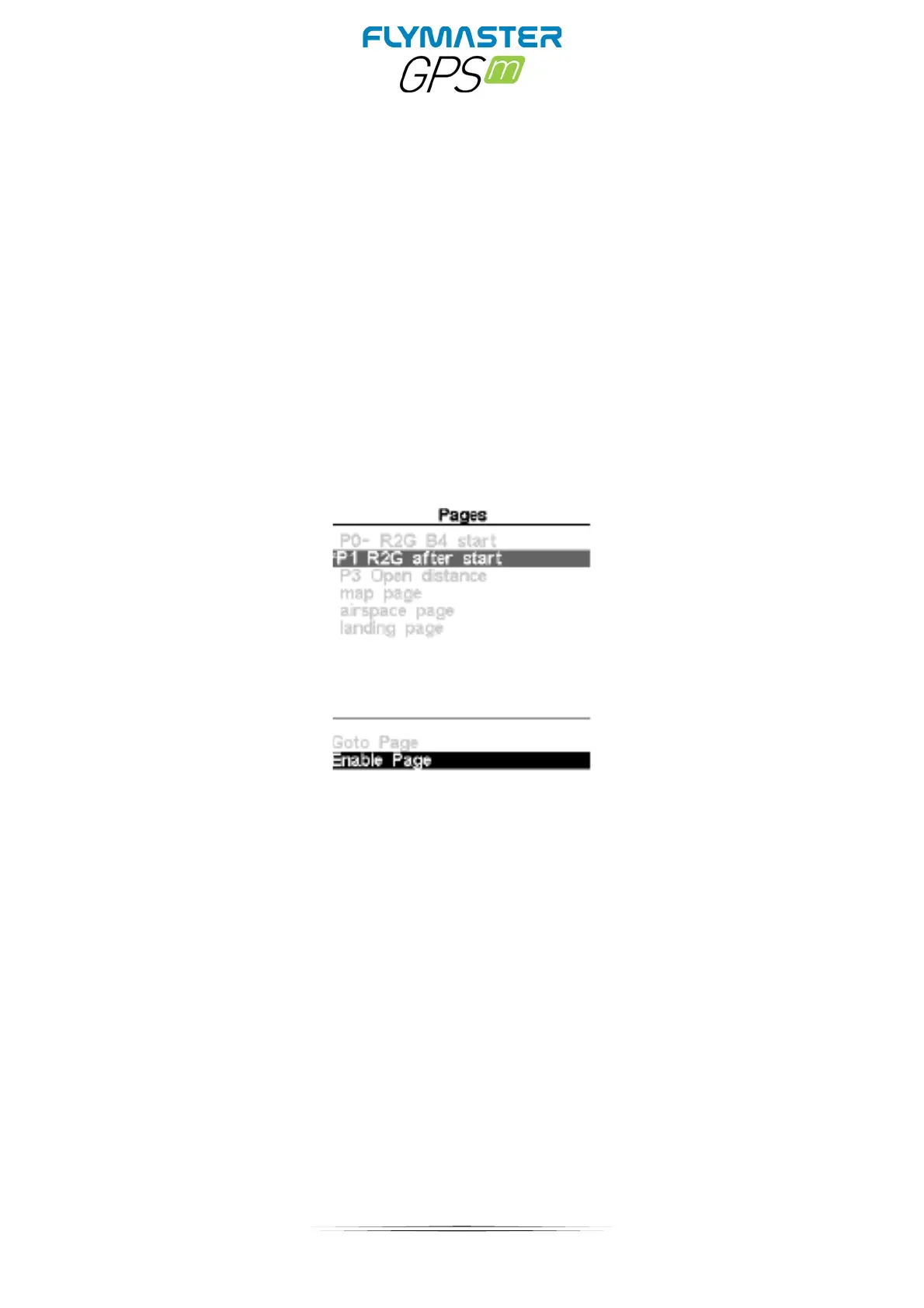
Once a page is disabled, an asterisk will be shown on the pages list prior to the page name as
shown in Figure bellow (in this case P1 R2G after start is disabled).
Note that on Figure above when selecting and pushing ENTER the Goto Page option is not active and the
focus will be on the Enable Page. Pressing ENTER will re-enable the page.



 To Next Page