Page 58
Flymaster GPS M User Manual v. 1.0
Pages
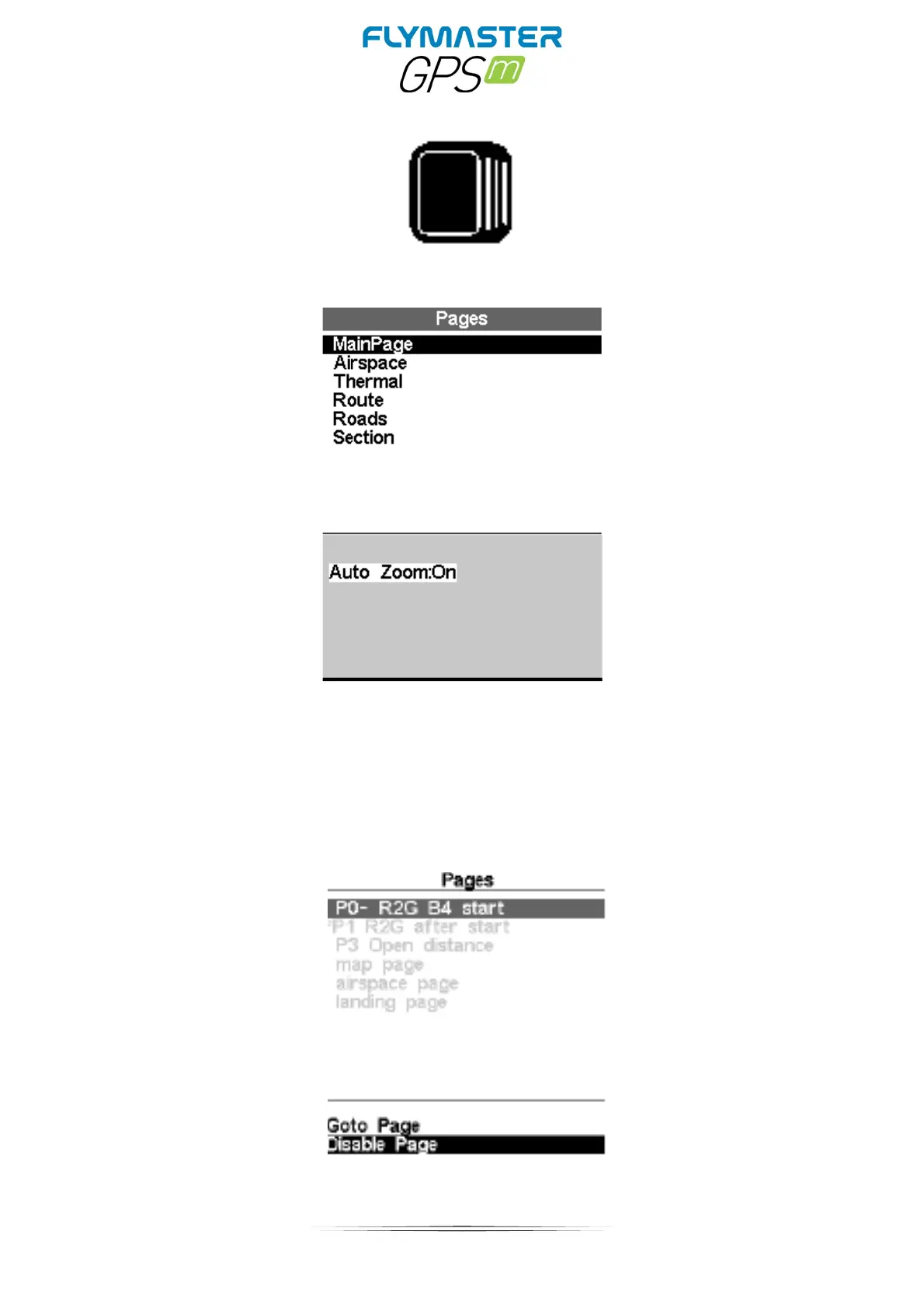
The Pages Menu shows a list of the current Layout pages that are available on the GPS M .
Furthermore, the pages Menu can be used to switch page, or to Disable/Enable each of the
available pages. A Layout can include 8 different pages in portrait and 8 in landscape, and all of
them can be drawn using the Flymaster Instrument Manager software.
You can select different pages by selecting either the UP or DOWN keys. If you press ENTER for
a certain page, 2 options become available.



 To Next Page