Page 69
Flymaster GPS M User Manual v. 1.0
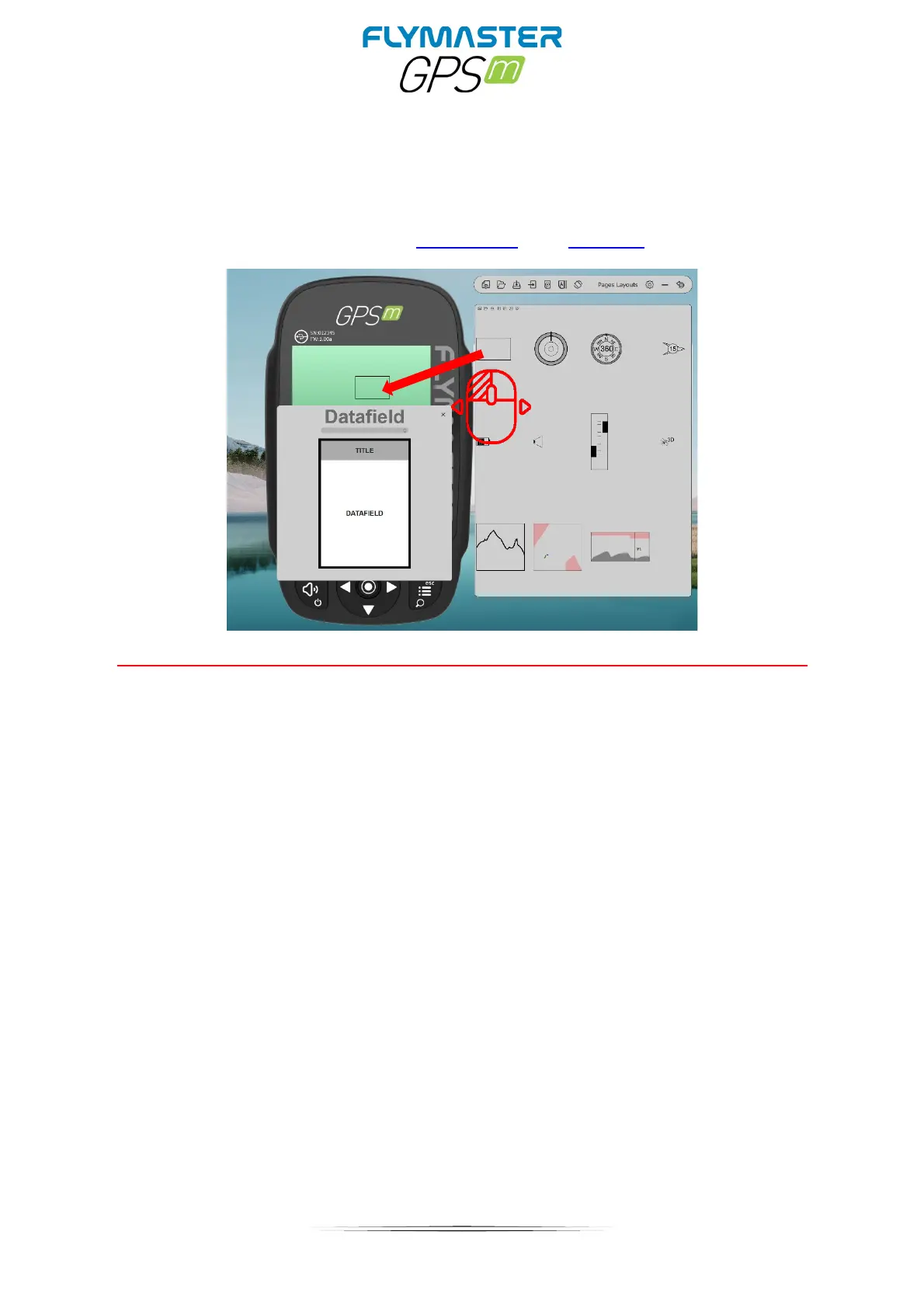
Customizing datafields and objects
After dragging a data field or double click it will show the customization pop-up window of it.
It’s possible to change :
- The datafield (data you want to see)
- The title font size
- The title background
- The border
- The datafield font
- The data field background



 To Next Page