Page 42
Flymaster GPS M User Manual v. 1.0
Nearby landings
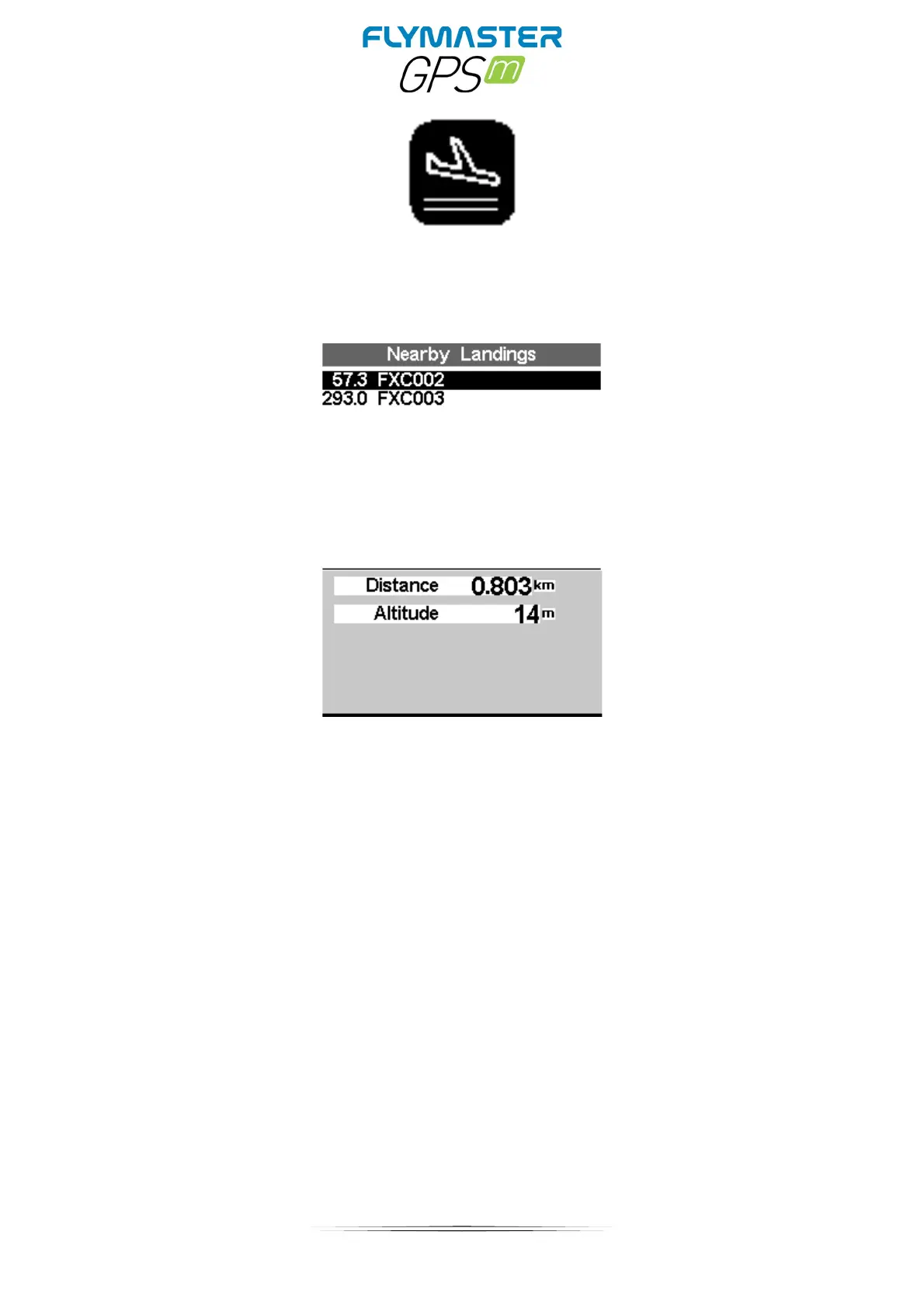
It is possible to define waypoints as Landing, allowing the pilot to quickly check for landing
options. The Nearby Landings page will show all the waypoints, defined as Landings, for
which the necessary glide ratio is finite. Glide ratio's are calculated once the Flight Starts.
Besides the waypoint name the distance and glide ratio are also shown. The list is sorted
by glide ratio in ascending order. On the example of Figure the closest airfield is 0.803 Km
from our present location, and the necessary glide ratio to reach it is 57.3. The Nearby
Landings page can also be used to make a Go To. Use the UP, and DOWN keys to select
the desired waypoint, then push the ENTER key to immediately activate navigation to the
selected waypoint. In order to define a waypoint as a landing the Landing parameter should
be set to Yes in the waypoint edit screen.



 To Next Page