Page 57
Flymaster GPS M User Manual v. 1.0
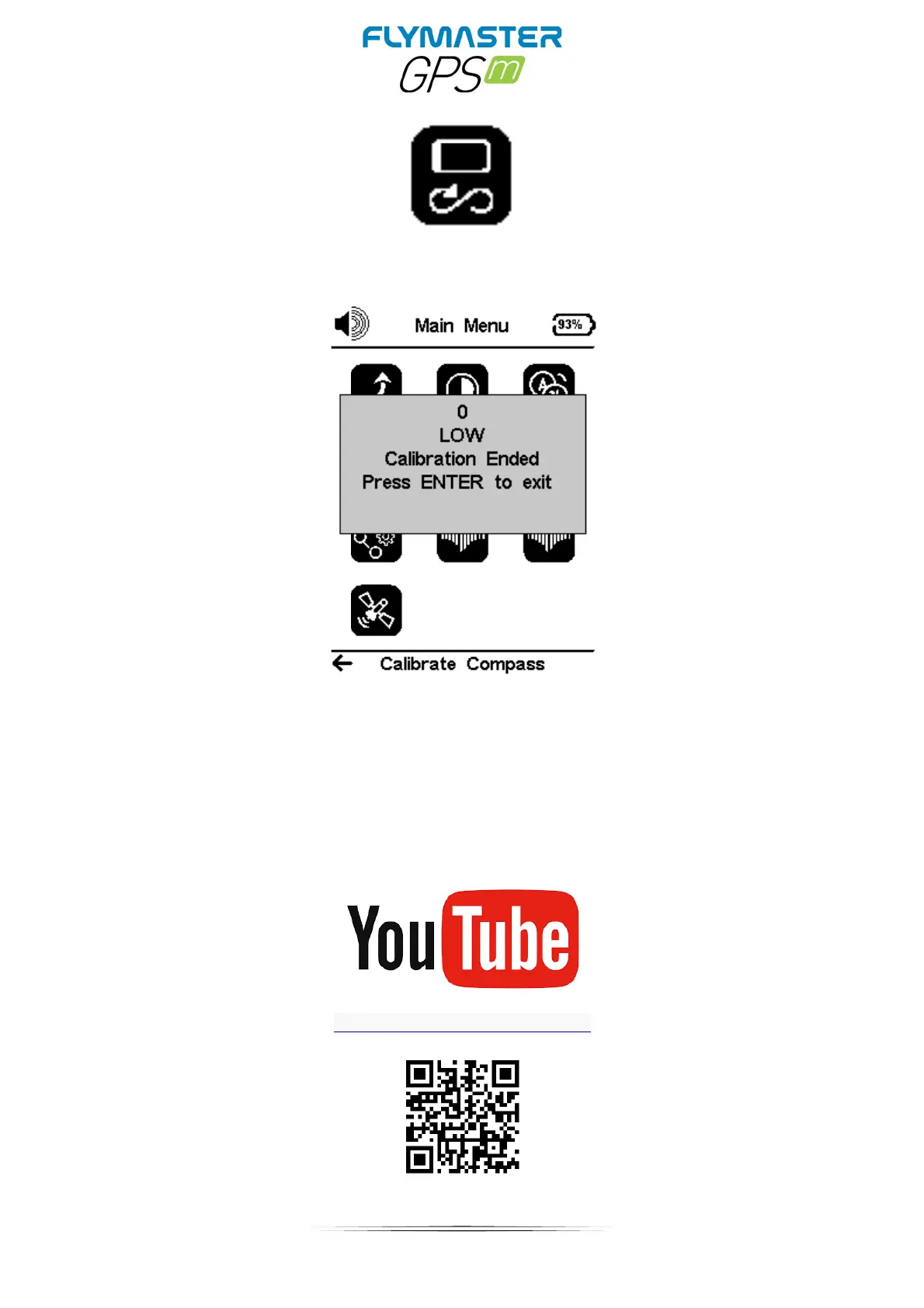
Calibrate Compass
Use the cursor buttons to navigate the Menu. Press ENTER to choose Calibrate Compass from
the main menu. Press ENTER to calibrate. Rotate the instrument slowly in all possible axes freely.
A 20 second countdown will be visible as the calibration status. During and after the process, the
result of the calibration quality is shown, which varies from low, medium or high. The process ends
with the message “calibration ended”. Repeat as many times as necessary until you possibly get a
better result, which will be HIGH.
https://youtu.be/P-4BvvM3xW0



 To Next Page