Page 21
Flymaster GPS M User Manual v. 1.0
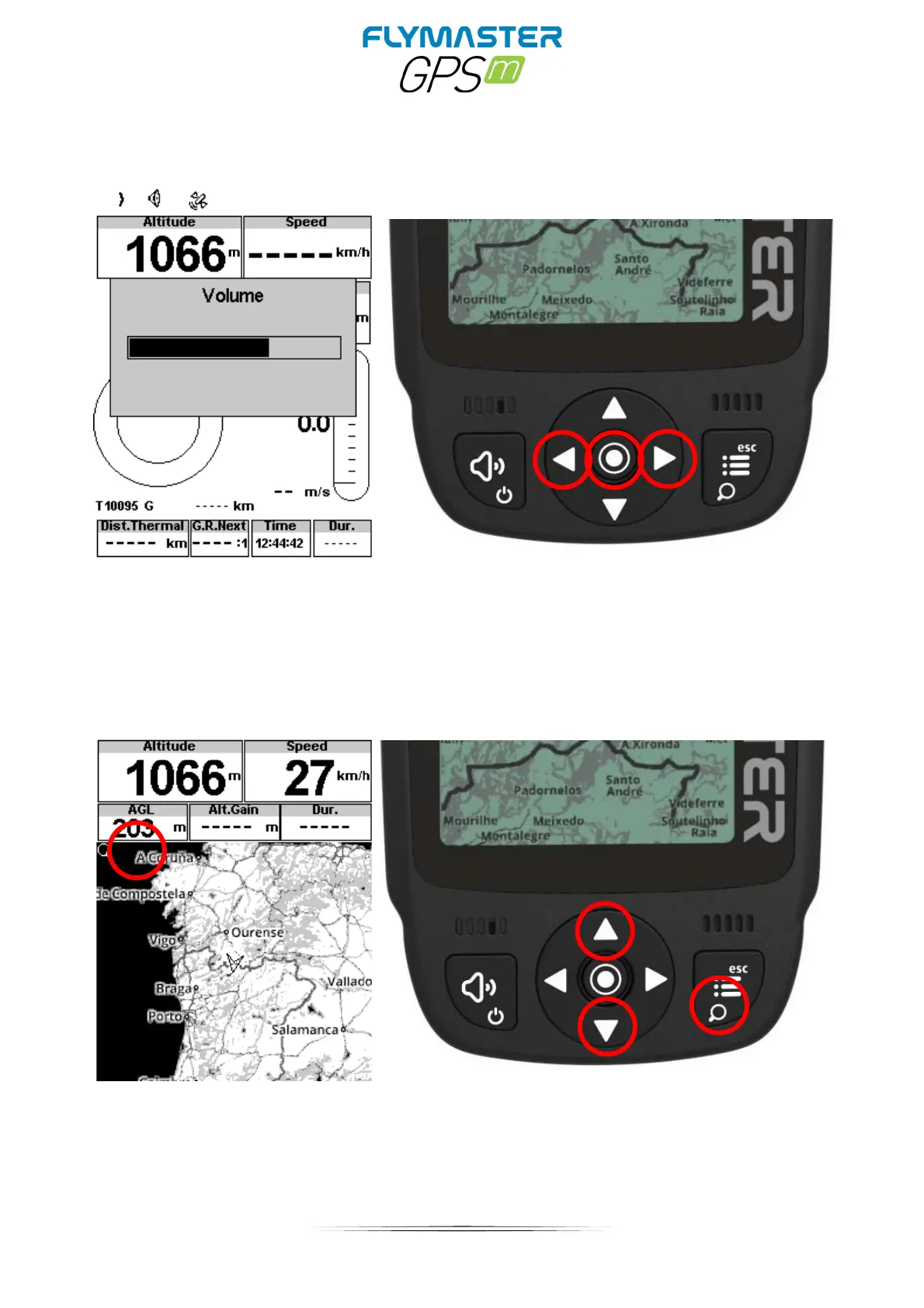
Setting the volume
1 –
Press (short) sound button
2 – Left and right cursor buttons to change the volume
3 – Press ENTER to confirm
Zoom and pan map object
In any layout that contains a Map (road, airspace or route) object is possible to Zoom.
Press (long) zoom button. Zoom mode is shown over the map object, indicating that the zoom mode is
active.
Use UP button to ZOOM IN or DOWN button to ZOOM OUT. The zoom mode will exit automatically after 5
seconds.



 To Next Page