Page 55
Flymaster GPS M User Manual v. 1.0
Language units
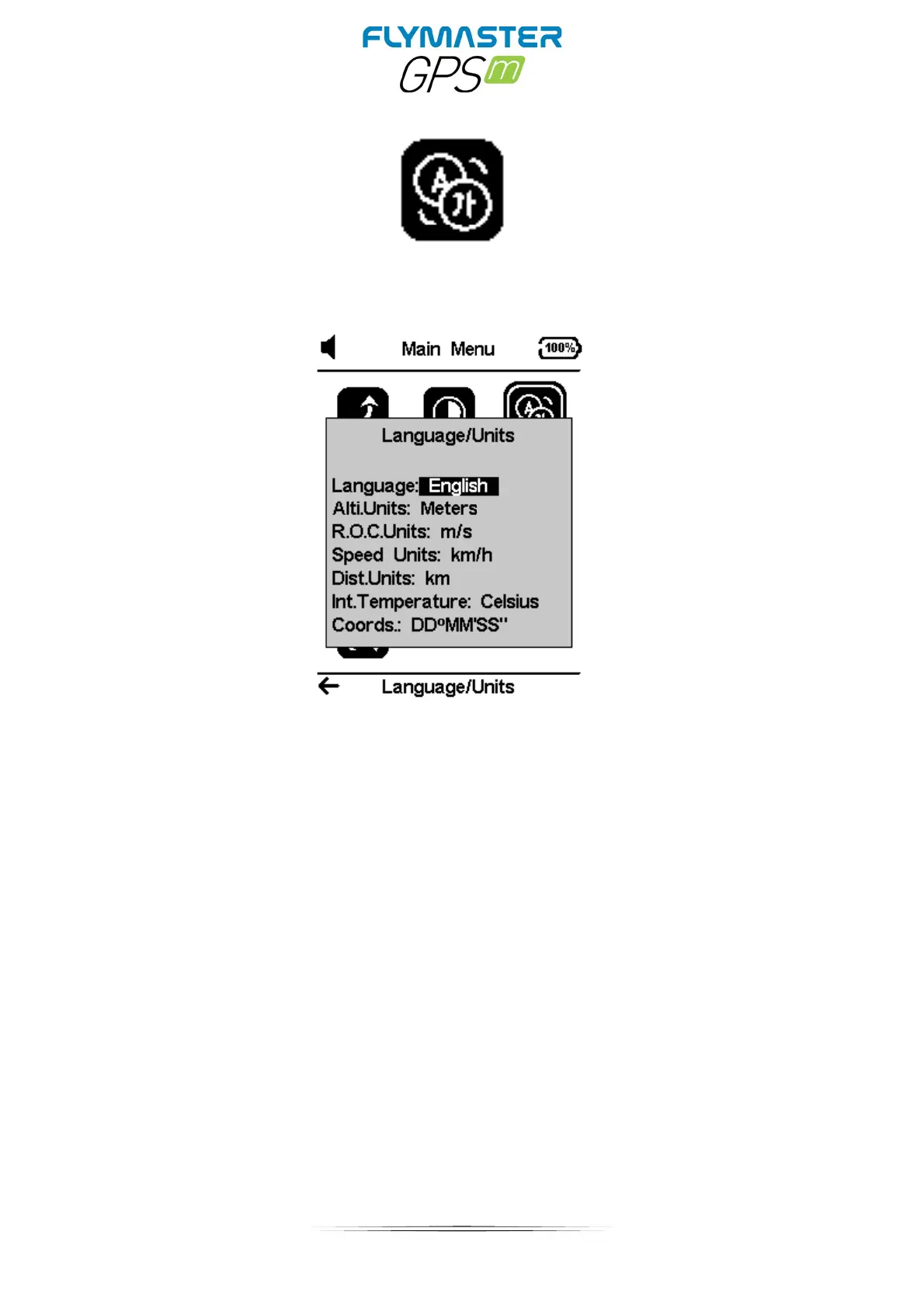
The Language/ Units menu option allows the user to change the GPS M interface language and
units.
The UP, and DOWN keys, can be used to change each field option. Pushing the ENTER key
confirms the current field value, and highlights the following field. Pushing, the ESC key will undo
changes.
Language: Defines the interface language.
Altitude units: Altitude Units. Altitude can be show in Meters, or Feet.
Rate of Climb Units. ROC can be show in m/s, or 10 x Feet/ min
Speed Units can be in Km/h, Miles/h, or Knots.
Distance units can be in Km, or Miles.
Internal Temperature: units can be Celsius or Farenheit.
Coordinates: DD°MM'SS; DD°MM.mmm' ; DD.dddd; or UTM



 To Next Page