Page 64
Flymaster GPS M User Manual v. 1.0
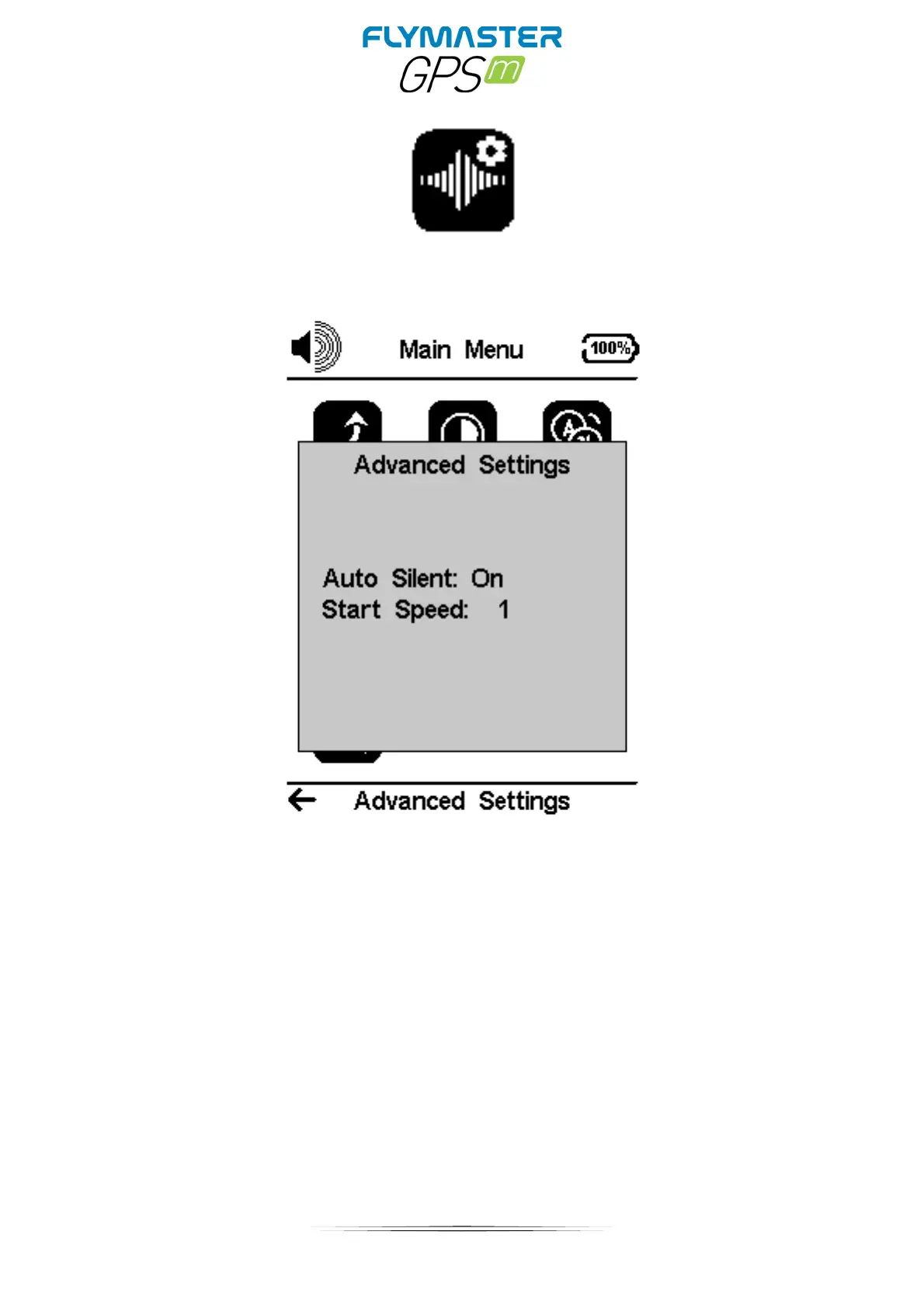
Advanced Settings
Auto Silent-
Setting Auto silent option ON will keep the GPS M 's vario quiet until a Start Flight
has been detected. This function avoids listening the vario sound while waiting to take off. The
audio will then be kept active until the GPS M is switched off. The default value for the auto silent
parameter is ON.
Start Speed - The start speed is one of the Start Flight conditions, and it is used to define the
minimum GPS speed, in Km/h, that should be reached in order to initiate the flight. Note that the
Start Flight event is important to many other functionalities, so care should be taken when setting
this value. For example, if Auto Silent is on, the vario will only beep after the flight starts. The track
data is also only saved after the flight starts. If set to 0 “zero” the flight will start immediately after
GPS fix position is acquired. This setting is only recommended in very exceptional occasions like
walk-and-fly activities, because will produce a track log each time the instrument is turned on.



 To Next Page