ADVANCED OPERATIONS CONNECTING WITH ETHERNET
121
CONNECTING WITH ETHERNET
You can network your MX-4 to a PC or a Macintosh using an Ethernet (10Base-T) connector for a
Macintosh or the included crossover cable for PCs. You can copy to and from the MX-4 the fol-
lowing:
• Background and Foreground jpegs
• Operating software
To work on a standard Ethernet network, each MX-4 requires an unique IP address. This address
and associated information can be static (assigned and typed in), or dynamic (assigned by a DHCP
server). Do this by pressing the
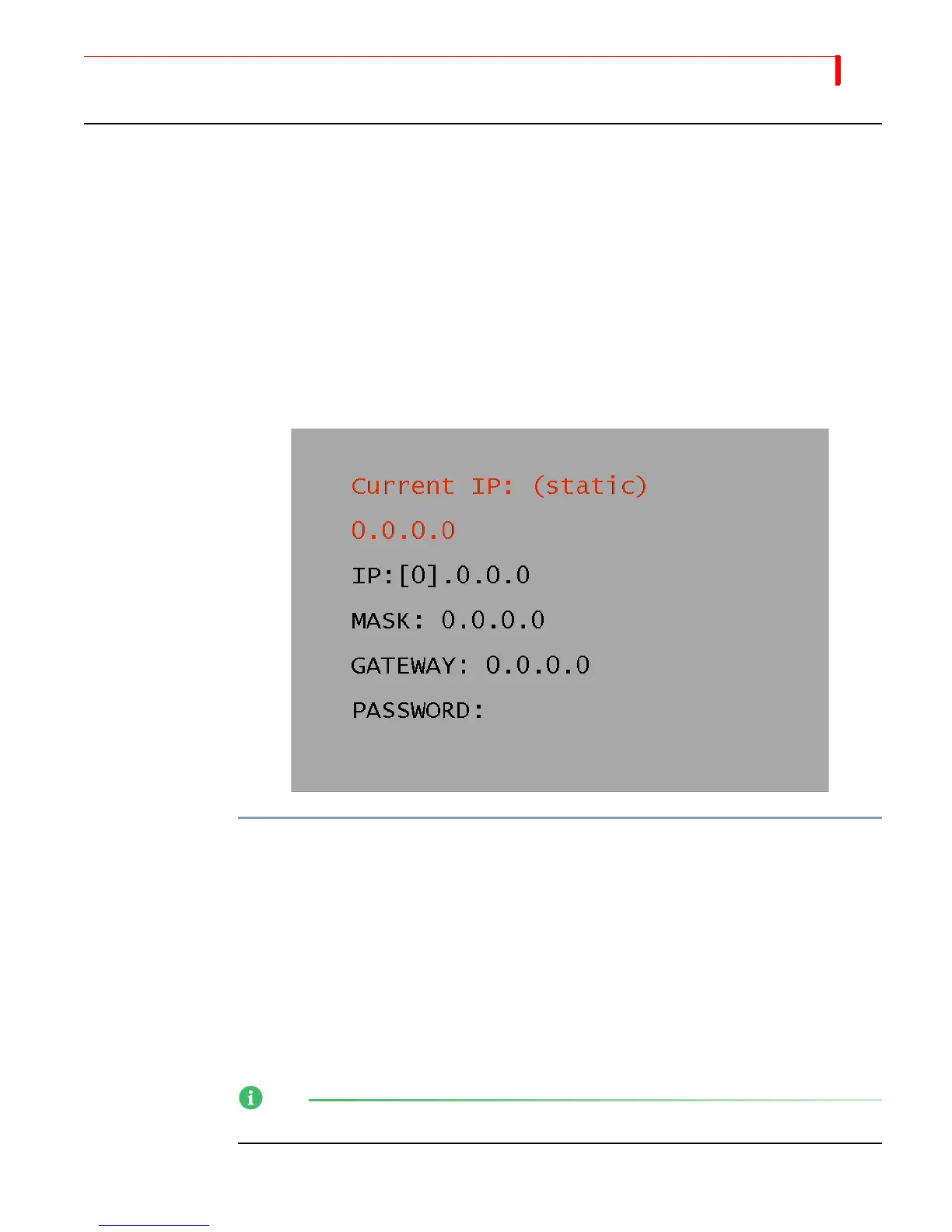
SHIFT+SETUP/FTP buttons to access the ftp menu. The example
screen shot shown below represents the beginning setup screen to apply a static or dynamic IP
address.
To connect to a network (Static IP):
1 Power down the MX-4.
2 Connect the MX-4 to your network with a standard crossover cable for PCs and a 10Base-T
Ethernet cable for Macintosh, just as you would network a computer.
3 Power up, and assign the IP and Mask. The Gateway and Password are not needed to perform
this function.
FOCUS Enhancements recommends you use one of the following IP address for static input:
• 192.168.0.2
• 192.168.0.3
• 192.168.0.4
NOTE
192.168.01 will not function in this system.



 To Next Page