INPUT EFFECTS B&W
63
B&W
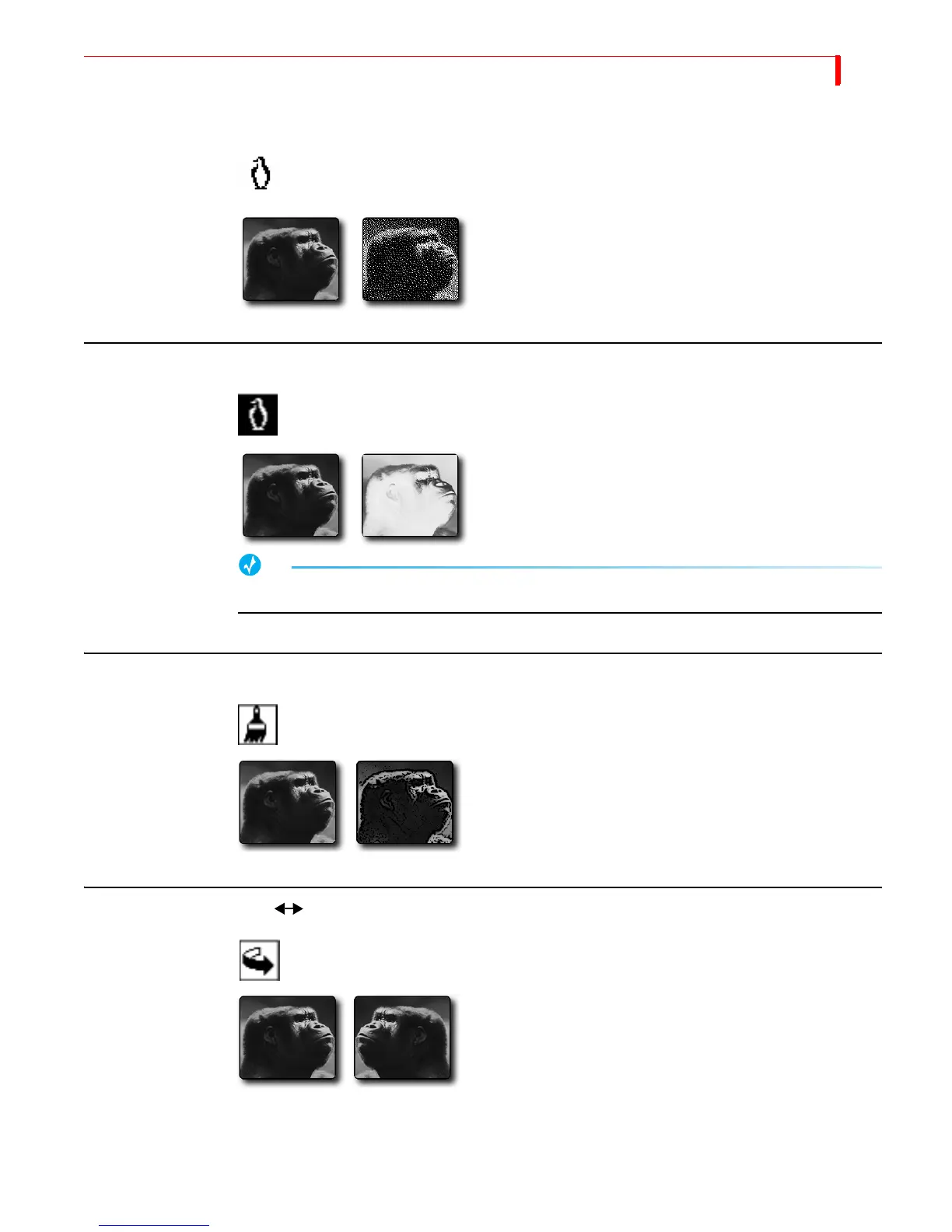
Changes the input picture to black and white. Removes all
color from the image.
Parameter Values — Zero or one.
0 = Off: 1 = On
B&W NEG
Reverses all black and white values in the image. If applied to
a color image, reverses all black and white values but does
not change any color values in the image.
Parameter Values — Zero or one.
0 = Off: 1 = On
TIP
To create a black and white negative effect, also turn on the B&W effect.
POSTERIZE
Reduces picture’s continuous tones to fewer levels. Creates a
“painted” look.
Parameter Values — Zero through nine. Zero turns off the
effect.
High values produce an extreme paint effect: low values cre-
ate a subtle effect.
FLIP HORIZONTAL
Flips picture left-to-right, creating a mirror image.
Parameter Values — Zero or one.
0 = Off: 1 = On



 To Next Page