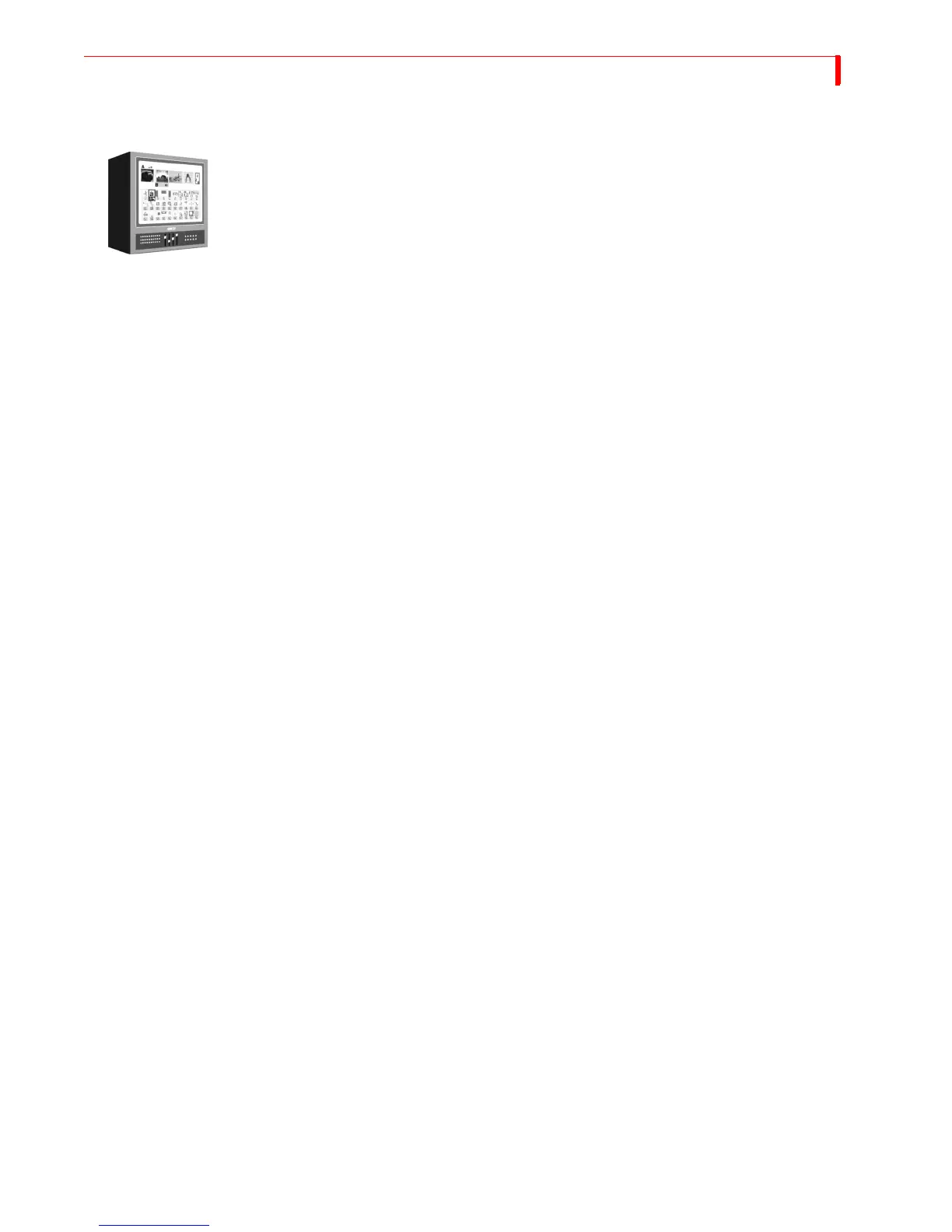
FUNCTIONS DISPLAY
69
DISPLAY
To control what appears on the Preview monitor, use the DISPLAY function. Press DEMO/DISPLAY
to cycle through the different display configurations. Refer to samples of these configurations on
the next page. The illustrations show the key combination you can use to directly access any
display configuration.
S
TANDARD – Provides most extensive display. Shows preview images of all active input
sources and a menu of up to 30 different transitions from which you can choose.
T
WO CHANNEL – Displays preview images for the CURRENT and NEXT sources. Preview
images increase in size, but the Transitions Menu shows only 20 transitions.
F
ULL – Divides preview screen into four sections. Each section shows a preview image of the
currently active input sources. The Transitions Menu is not available.
N
EXT – Displays only a full-screen preview image of the NEXT source.
C
URRENT – Displays only a full-screen preview image of the CURRENT source.



 To Next Page