MX-4 USER GUIDE CHAPTER 2
14
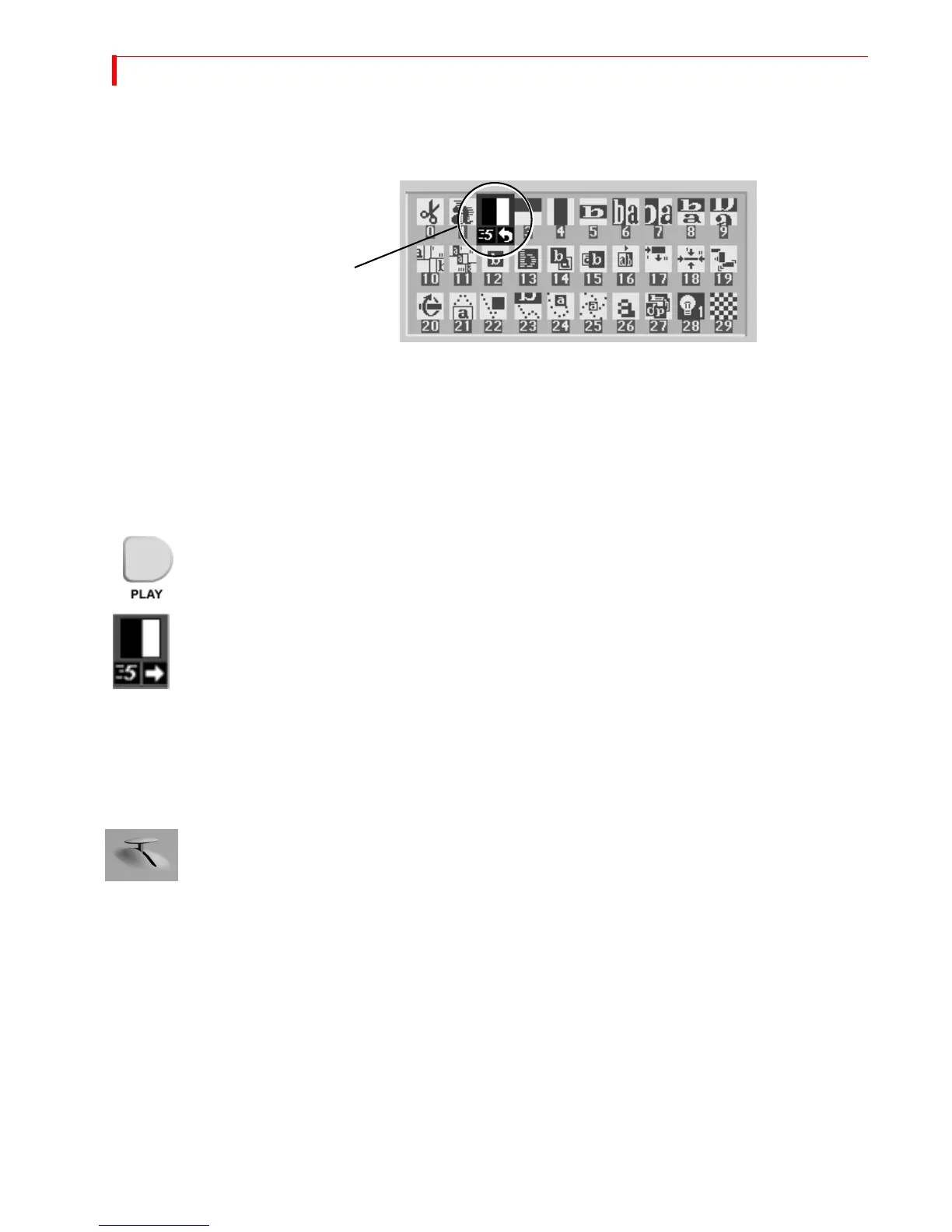
Use the LEFT and RIGHT ARROWS to move the selection horizontally. Use the UP and DOWN
ARROWS to move the selection vertically: or, press 2 then OK to select the transition by num-
ber.
The MX-4 transitions between the two sources using the horizontal wipe transition with the Output
screen showing the results.
Running Transitions
You can run transitions automatically or manually.
Automatic
Transitions
• Press PLAY. The MX-4 runs the transition at a pre-determined speed.
The MX-4 transitions between the two sources using the horizontal wipe transition with the
Output screen showing the results.
At the end of the wipe, B is on the OUTPUT monitor — it has become the CURRENT source. The
yellow highlight above the preview images has changed to reflect that. Furthermore, A is now the
NEXT source and the green highlight has been changed to A.
• To wipe back and forth between sources A and B, press
PLAY repeatedly.
• To change the speed at which a transition runs, press the
SPEED button. The Speed indi-
cator under the transition icon changes.
• Press the button again until the desired speed appears. 0 is the slowest speed, 9 is the fast-
est.
• Try this with various speeds: Change the speed and press PLAY.
Manual
Transitions
Use the TAKE BAR to run transitions and control their speed and direction.
•
Set up the transition as you would normally. However, instead of pressing PLAY, simply move
the
T-BAR.
The transition begins running as soon as you move the
T-BAR. You can even move back and
forth by moving the
T-BAR in different directions. Give it a try!
Using CUT Transitions
Most video productions use simple cuts a majority of the time. To cut between any two sources (for
example, you could cut from A to C to BACKGROUND to D), use the
CUT buttons.
There’s a quick way to cut back and forth between two sources using just the
PLAY button, instead
of having to alternate between two
CUT buttons:
•
Press 0 and then OK to select transition 0, a simple cut.
• Press PLAY again and again.
•
A solid color screen can be used as if it were a separate source. Press the NEXT/BACKGROUND
button and run any transition, or press CUT/BACKGROUND.
Selected Transition
Speed



 To Next Page