PIPS MULTI-PIP
85
MULTI-PIP
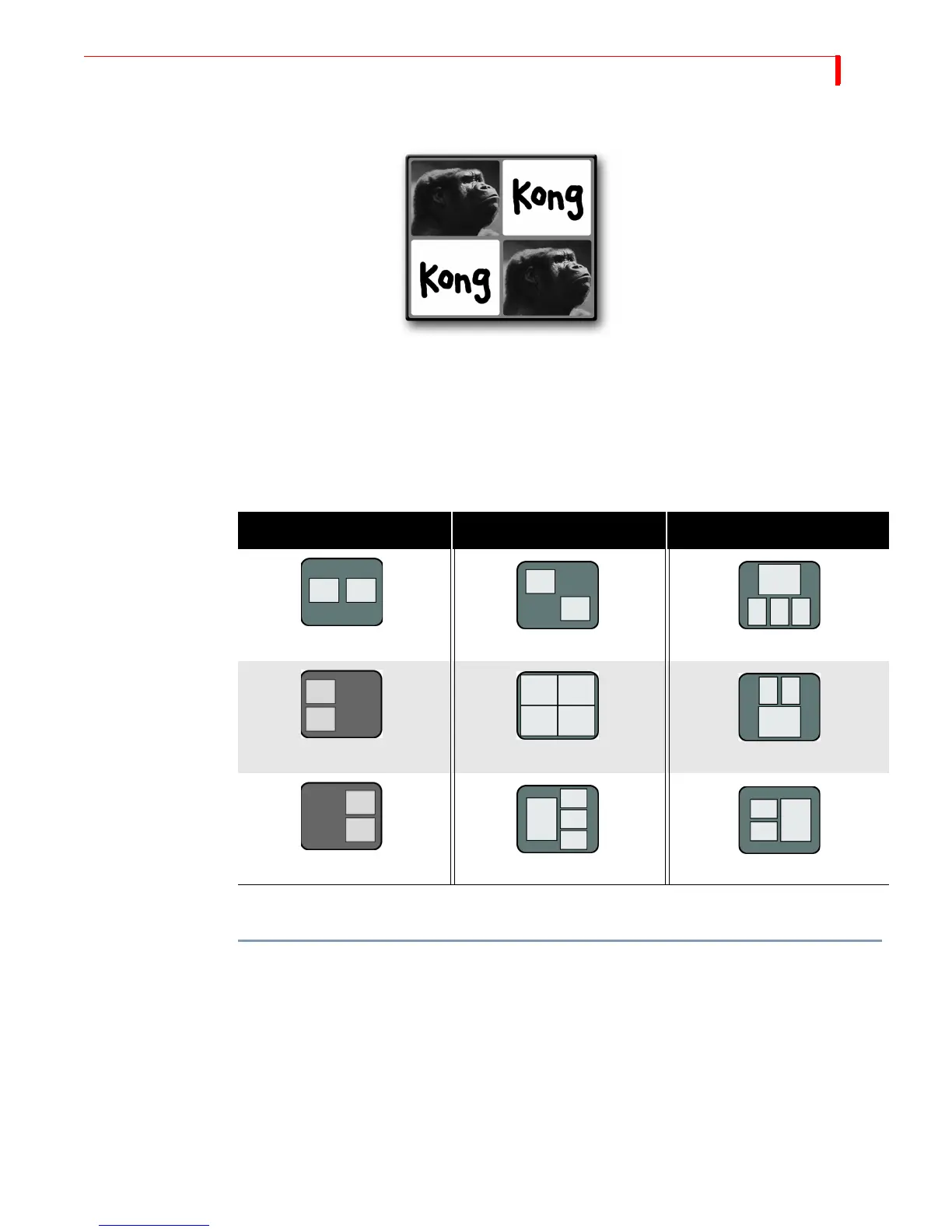
In Multi-PIP, as many as 4 separate images can share the screen at the same time. Each image appears inside
a separate tile.
You can use any of the four input sources to provide the images that appear in the tiles.
You can choose from 9 different multi-PIP configurations by pressing the number keys shown in
the following table.
The following procedure explains when to specify which configuration you want to use.
To create a multi-PIP image such as the one shown above:
1 Assume the image of Kong originates on input source A. Press
CUT/A to make source A the
CURRENT source.
If you want, instead, to make the background a solid color, press
CUT/BACKGROUND. Refer to
“Using Color Backgrounds” on page 42 to learn how to select colors.
2 Assume the graphic of the word “Kong” originates on input C. Press
NEXT/C to make source C
the NEXT source.
3 Press
SHIFT+PIPS to enter Multi-PIP mode. The Preview screen defaults to show configuration
1 (two horizontal tiles). One of the tiles has a flashing border to indicate it is the current tile.
One tile shows the primary input – Kong’s head.
Table 11: Multi-PIP Screen Configurations
NO. CONFIGURATION NO. CONFIGURATION NO. CONFIGURATION
147
2 5 8
369



 To Next Page