MX-4 USER GUIDE CHAPTER 7
70
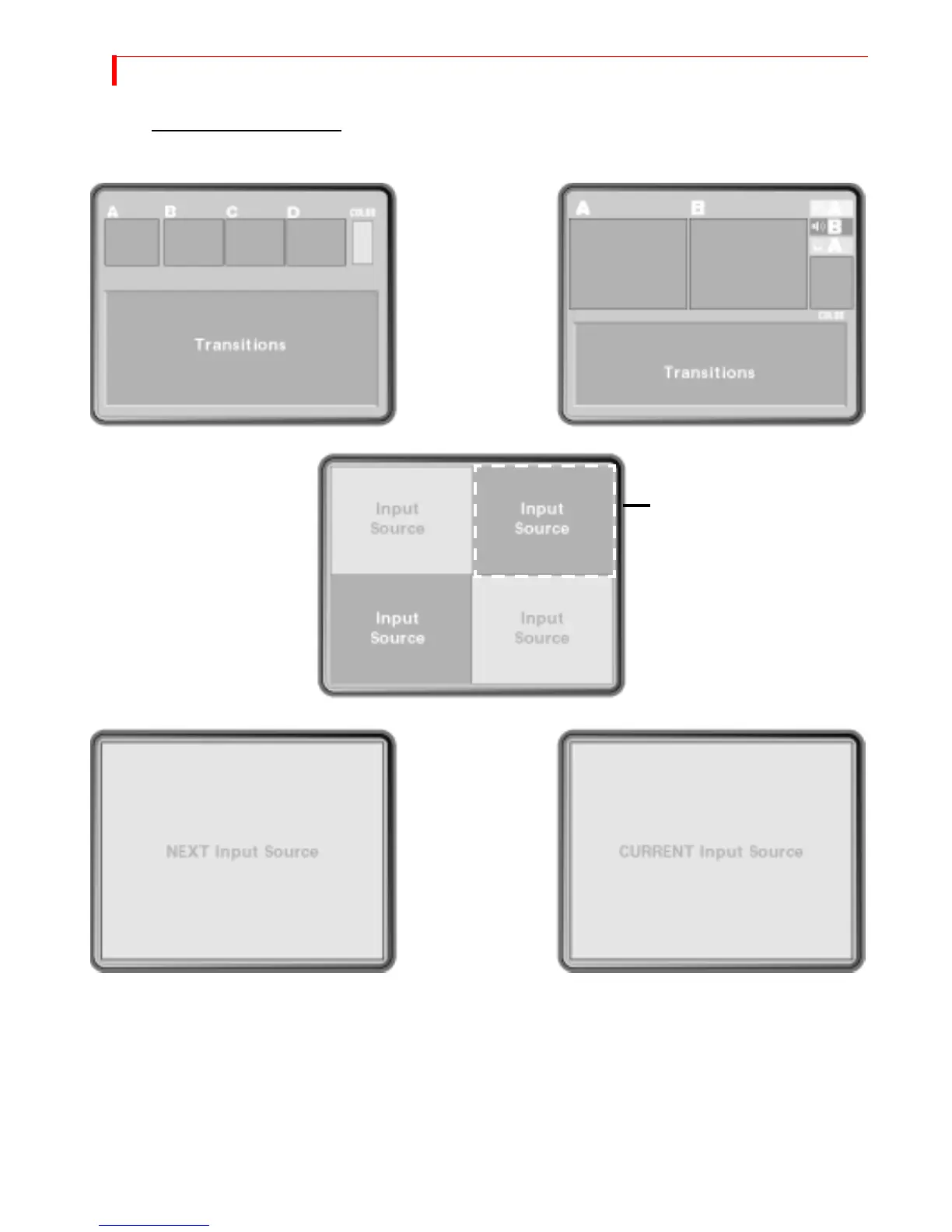
Standard – SHIFT+1 Two Channel – SHIFT+2
Full – SHIFT+3
Current – SHIFT+5Next – SHIFT+4
For all examples on this page,
assume source A is CURRENT and
source B is NEXT. Input sources C
and D show up only when using
Standard or Full options.
Flashing white border indicates
CURRENT source, unless that
source is the COLOR channel.
DISPLAY CONFIGURATIONS
Use the shortcut keys or press
DISPLAY to cycle through the
display options.



 To Next Page