ADVANCED OPERATIONS IP SETUP FOR A COMPUTER OR LAPTOP
123
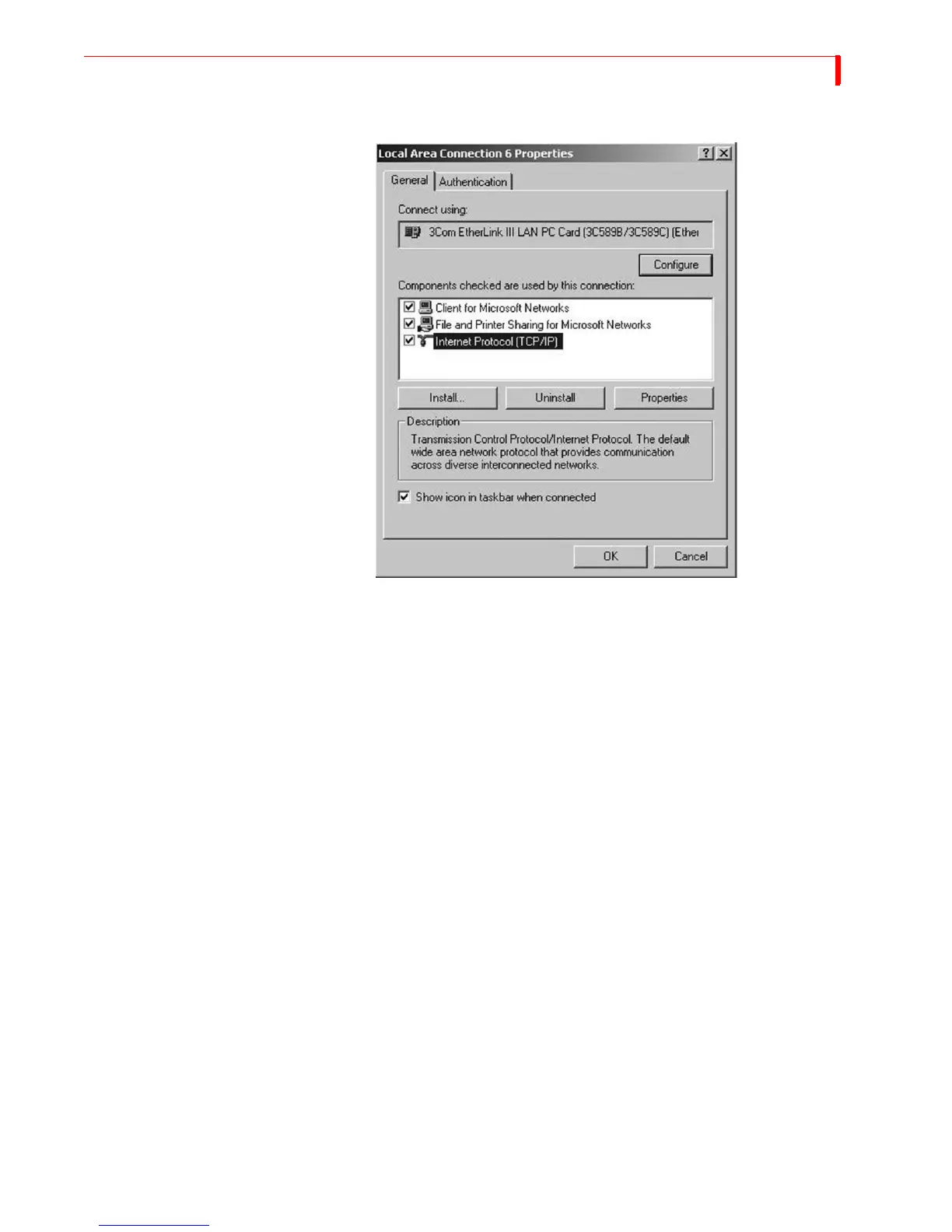
b Select TCP/IP and click Properties.
3 On the Internet Protocol (TCP/IP) Properties screen or identified as the Network screen for
Windows 95/98, switch the default selection from Obtain an IP Address Automatically to
Use the Following IP Address and type in the following IP address: 192.168.1.2. Press the
TAB key.



 To Next Page