TRANSITIONS CHANGING TRANSITION DIRECTION
57
To reverse a transition:
• Press
REVERSE.
Remember, all transitions run in reverse until you press
REVERSE again. Reverse has no effect
on a simple Cut or Dissolve transition because reversing those transitions produces no visible
result.
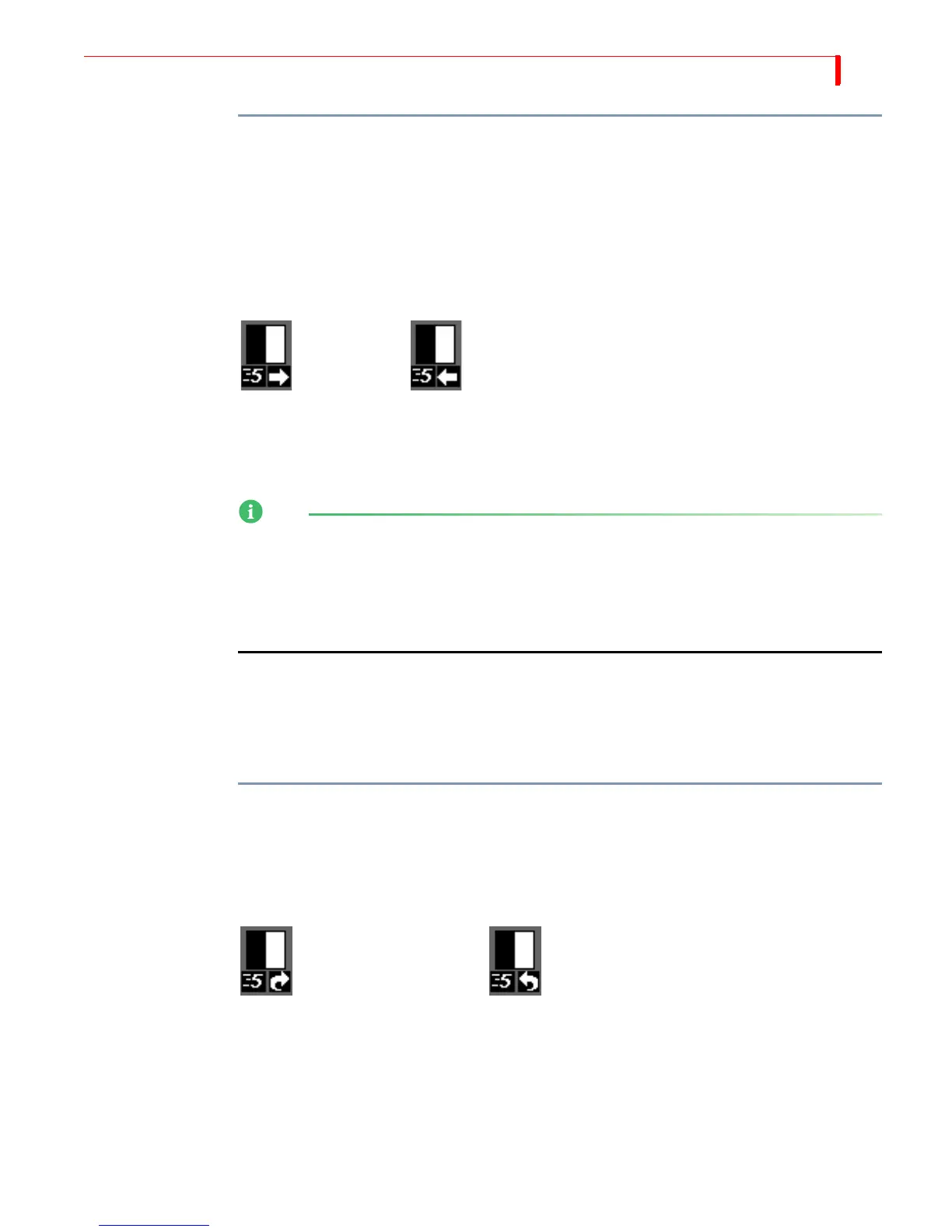
MX-4 changes the Transition Direction indicator below the transition icon to the currently selected
direction. When the arrow points right, the transition runs in its normal direction. When the arrow
points left, the transition runs in reverse.
The Reverse function does not change the relationship between the sources. For example, a vertical
wipe from source A to B moves from the top of the screen to the bottom, replacing source A with
B. If you apply the Reverse function, source B still replaces A, but the transition wipes from the
bottom of the screen to the top.
NOTE
Mosaic, dissolve, and trailing transitions work in only one direction at all times, including when
you press
FREEZE before running the transition.
You cannot run Trailing-type transitions in a reverse direction. If you select a Trailing-type
transition, then move the
T-BAR from its up position to the down position, the MX-4 performs a
simple dissolve (transition 160).
Using
Auto-Reverse
Auto-Reverse automatically reverses the direction of transitions each time they run. In the previous
building renovation example, you press
REVERSE at the conclusion of each transition to alternate
between left-to-right and right-to-left wipes. When you use Auto-Reverse, the MX-4 handles
switching automatically. For example, if the transition is set to run from left-to-right, it automati-
cally alternates between left-to-right and right-to-left each time it runs.
To invoke the Auto-Reverse feature:
•Enter
SHIFT+REVERSE.
With Auto-Reverse activated, the MX-4 displays a distinct arrow below the transition’s icon in the
Transitions Menu. To manually reverse the current direction even with Auto-Reverse activated,
press
REVERSE at any time.
Auto-Reverse remains active until you press
SHIFT+REVERSE again to go back to one-way transi-
tions. Auto-Reverse has no effect on dissolve and trailing transitions.
Forward Reverse
Auto-Reverse Forward Auto-Reverse Backward



 To Next Page