The following software is used to test and run a Folger Tech FT-5 3D Printer.
Arduino - Arduino is an open source hardware package that is attached to the underside of the base and is
used to control the printer. The firmware running on Arduino is written in the Arduino programming language.
This firmware is already loaded onto the printer and ready to go. We suggest you use version 1.6.5 or 1.6.7.
http://www.arduino.cc/en/main/software
Pronterface - Pronterface is used to test the components of the printer and run basic functions. It has a
graphical user interface (gui) that controls the printer and allows the user to send individual g-code files to the
printer. http://www.pronterface.com/
Cura - Cura is the slicing software that turns the digital object, which is the stl file 3D model, into the g-code
the printer can understand. https://ultimaker.com/en/products/cura-software
Firmware - The printer will need firmware to operate. You can find it here: Firmware Download
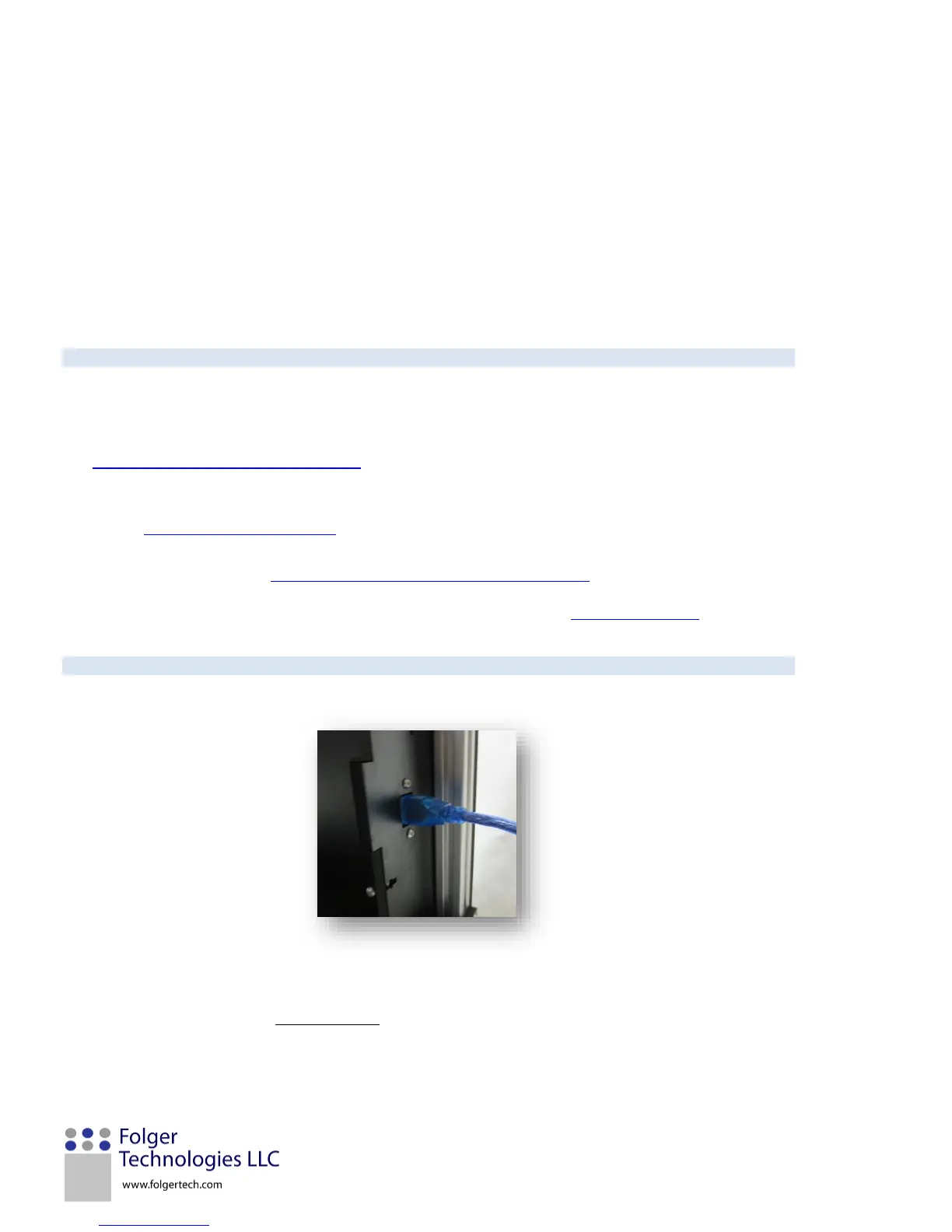
Download the firmware and extract it to a folder where you can find it. Open the Marlin.ino firmware using the
Arduino IDE, press open and navigate to where you extracted the firmware a minute ago. Press the compile and
load button and wait for it to say Done Uploading. Leave this open because we will be coming back to calibrate the
printer.


 To Next Page