EasyManua.ls Logo

Folger Tech FT-5 - Mounting Electronics and Spool Mount

Folger Tech FT-5
93 pages
Print Icon
To Next Page IconTo Next Page
To Previous Page IconTo Previous Page
Loading...
FT-5 User Manual Page 49
11) MOUNTING ELECTRO NICS AND SPOOL MOUNT
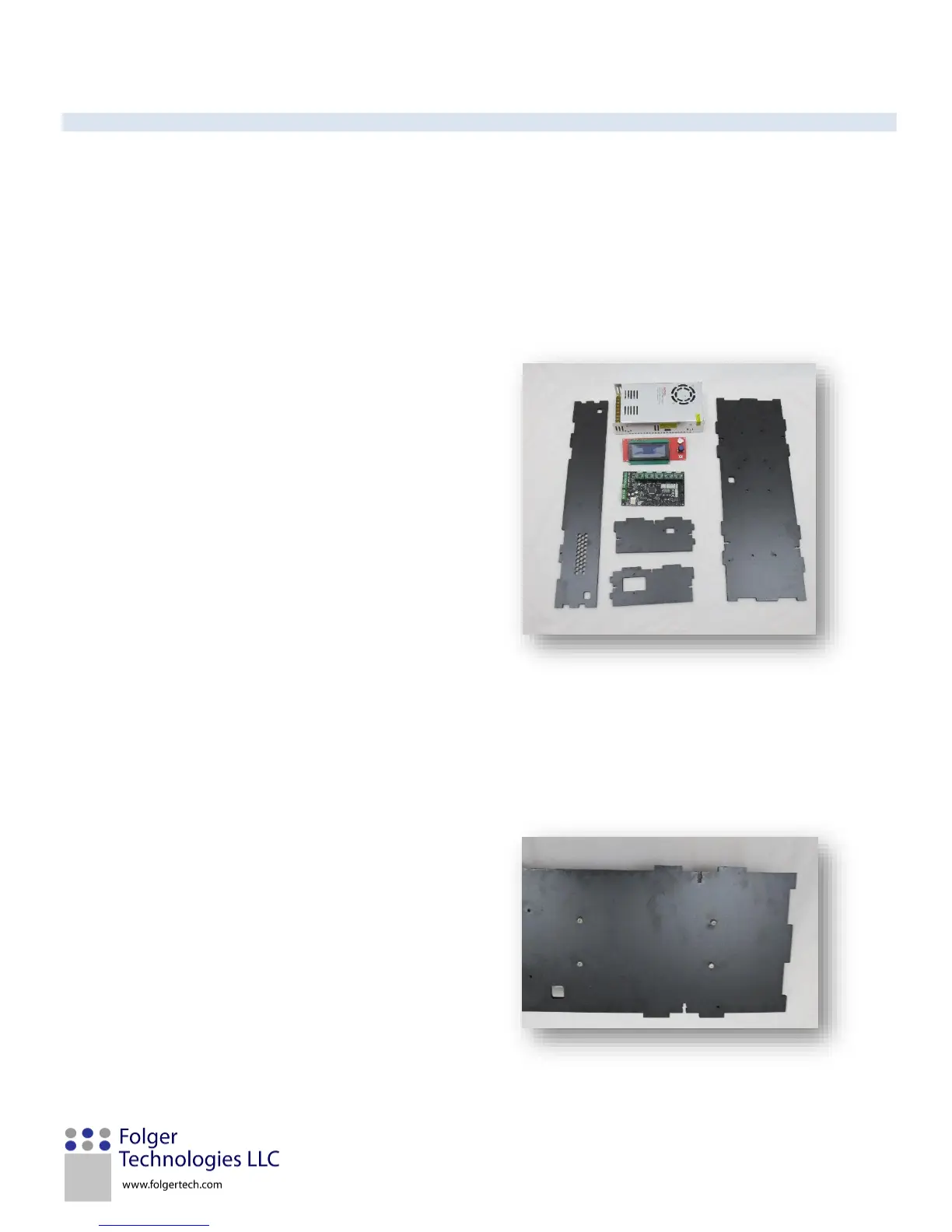
In this section, the electronic case will be assembled and the electronics mounted. The spool mount will be assembled and
mounted.
You will need:
Item ID
Quantity
Description
27
1
Power Supply
36
1
MKS Board
35
1
2004 LCD Screen
42
1
Spool Holder PVC
G
6
M3x12mm Screw
H
16
M3x16mm Screw
D
10
M3 Square Nut
P
4
Nylon Spacer
Z
2
M5x10mm Screw
Y
2
M5 T-nut
43
1
150mm M5 Threaded Rod
X
2
M5 Nylock
AD
1
Printed Estop Button
U
4
M4x10mm Screw
FT19
1
Electronics Box (MKS+PS)
FT20
1
Electronics Box Side (Power)
FT21
1
Electronics Box Side (USB)
FT22
1
Electronics Box (Honey Air
vent)
FT24
1
Spool Holder (Circle)
FT28
1
Spool Holder (T-Hut)
1. Lay the power supply face down, and FT19 on
top of it. Line up the four M4 holes on the back
of the power supply and secure it in place using
four M4x10mm screws.