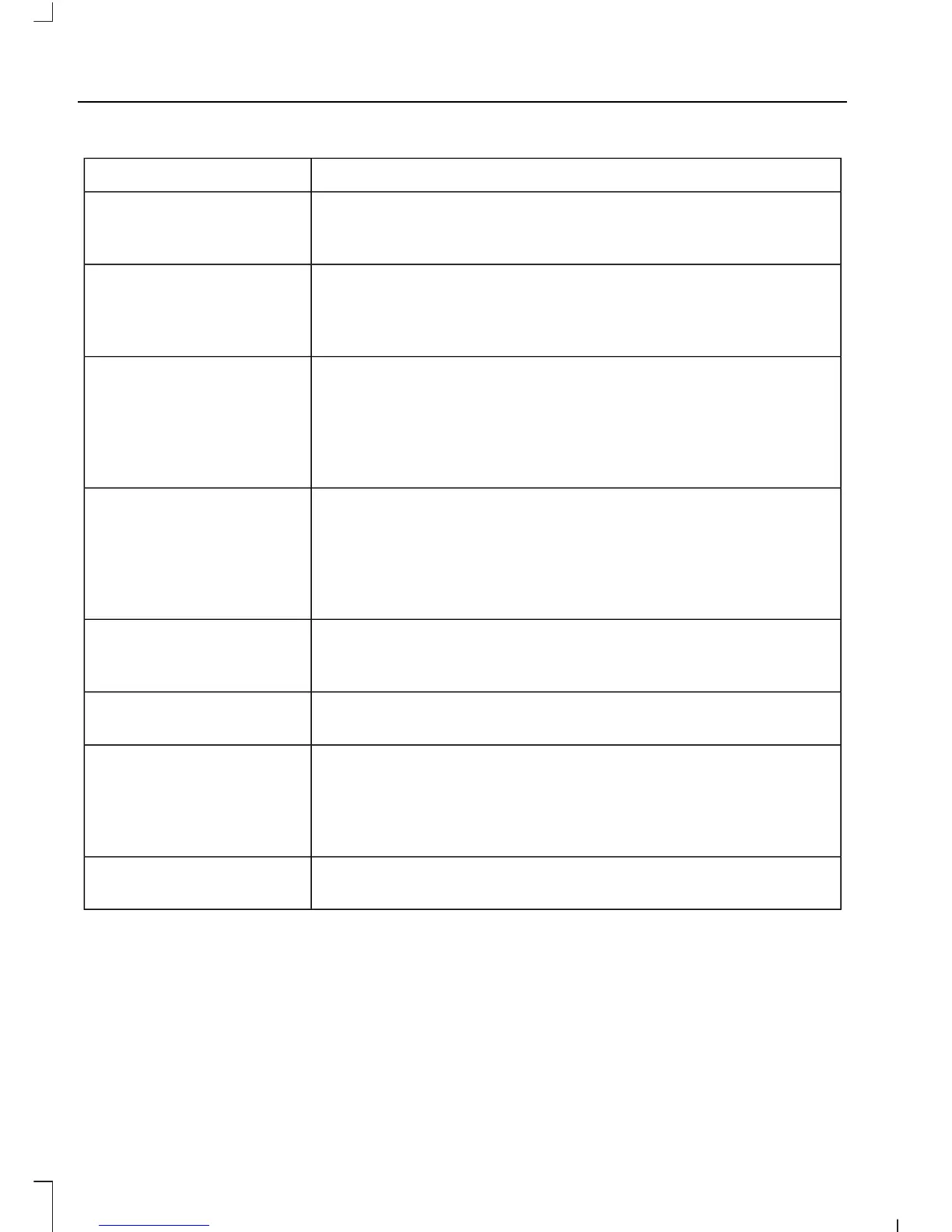
Description and ActionMessage
Check or uncheck this option to turn the Bluetooth interface
of the system on or off. Select this option then press the OK
button to change the option's status.
Bluetooth on
This selection does not erase your indexed information
(phonebook, call history, text messages and paired devices).
Set defaults
Select this option and confirm when prompted in the audio
display. Return to the factory default settings.
Completely erase all information stored on the system
(phonebook, call history, text messages and paired devices)
and return to the factory default settings.
Master reset
Select this option and confirm when prompted in the audio
display. The display indicates when complete and the system
takes you back to the previous menu.
Install applications or software updates you have down-
loaded.
Install on SYNC
Select this option and confirm when prompted in the audio
display. There must be a valid SYNC application or update
available on the USB thumb drive in order to finish an
installation successfully.
Display the system's version numbers as well as its serial
number.
System info
Press the OK button to select.
The voice settings submenu contains various options. See
Using Voice Recognition (page 240).
Voice settings
Browse the actual menu structure of the connected USB
device. Press the OK button and use the up or down arrows
to scroll through the folders and files. Use the left or right
arrows to enter and leave a folder. Media content can be
directly selected for playback from this menu.
Browse USB
You can turn the emergency assistance feature on or off. See
SYNC™ Applications and Services (page 254).
Emergency Assistance
SYNC™ APPLICATIONS AND
SERVICES
A list of available applications appears.
Each application may have its own specific
settings.
Press the MENU button to enter the
system menu.
Note: Some versions of SYNC may operate
differently. Press the PHONE button instead
of the MENU button to access the
Emergency Assistance menu.
254
Transit (TTG) Vehicles Built From: 19-06-2014, Vehicles Built Up To: 31-12-2014, EK3J-19A321-AKA (CG3612en) enGBR, Edition date: 04/2014, First Printing
SYNC™














 To Next Page