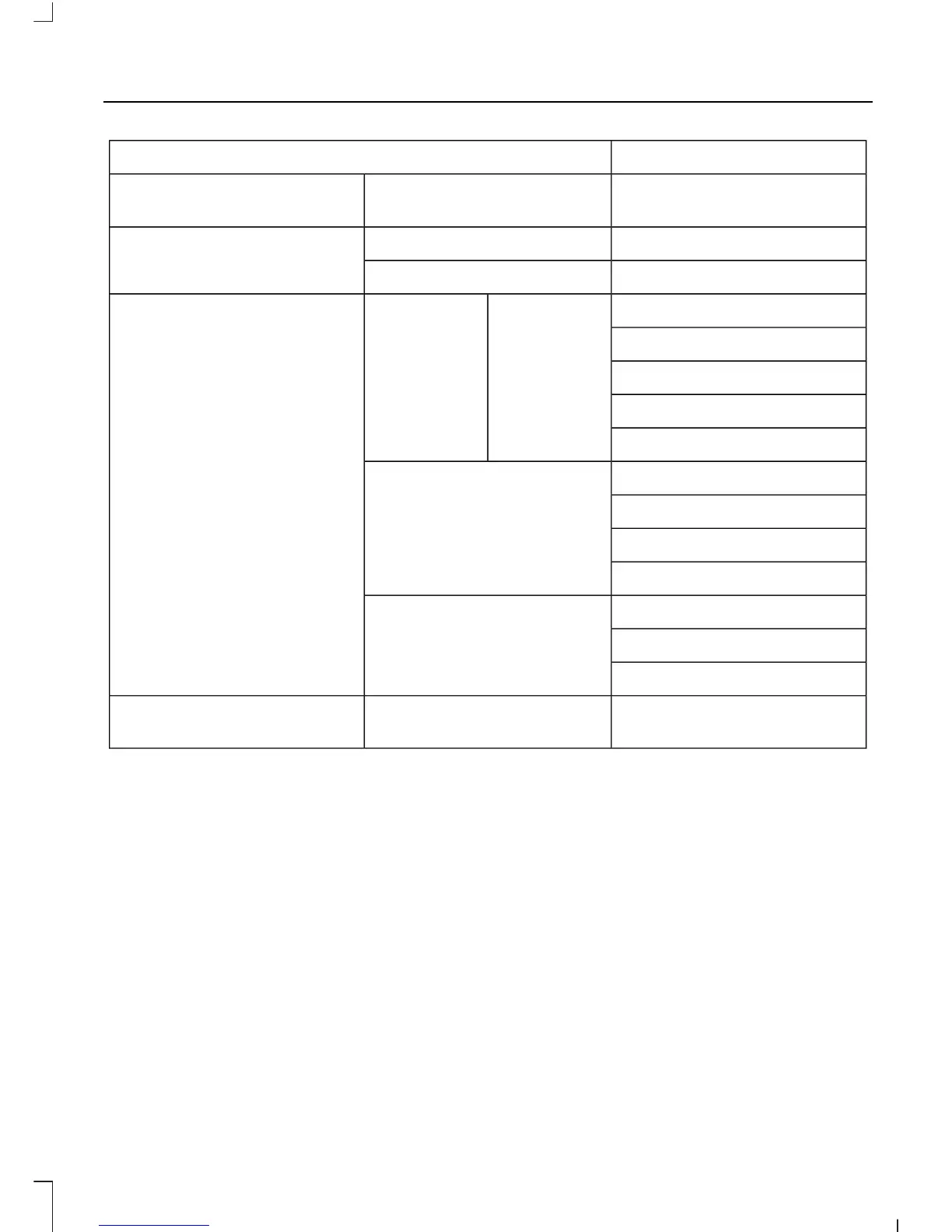
ActionMessage
Choose your applicable
setting
Temp unit
On or OffInformationChimes
On or OffWarning
On or OffPark heaterAux heaterConvenience
Time 1
Time 2
Once
Heat now
Auto lockLocks
Auto lock
Global unlock
Custom locking
Full guardAlarm
Reduced
Ask on exit
Hold OK to Reset System to
Factory Default
System reset
System Check
All active warnings will display first if
applicable. The system check menu may
appear different based upon equipment
options and current vehicle status. Use the
up and down arrow buttons to scroll
through the list. See Information
Messages (page 69).
Menu Structure - Information and
Entertainment Display
You can access the menu using the
information and entertainment display
control. See At a Glance (page 10).
Note: Some options may appear slightly
different or not at all if the items are
optional.
SYNC-Media allows you to access the
SYNC features.
65
Transit (TTG) Vehicles Built From: 19-06-2014, Vehicles Built Up To: 31-12-2014, EK3J-19A321-AKA (CG3612en) enGBR, Edition date: 04/2014, First Printing
Information Displays














 To Next Page