13
Step 1. Download Foscam App
Search ‘Foscam’ from your smartphone in APP Store or Google Play Store and you can download the latest
version of Foscam App.
Step 2. Sign up a Foscam Account and Sign in
Aer downloaded Foscam APP, you can sign up a Foscam Account from the APP’s home page, and if you have
a Foscam account, you can directly sign in with it.
* For more details, please check the Quick Start Guide.
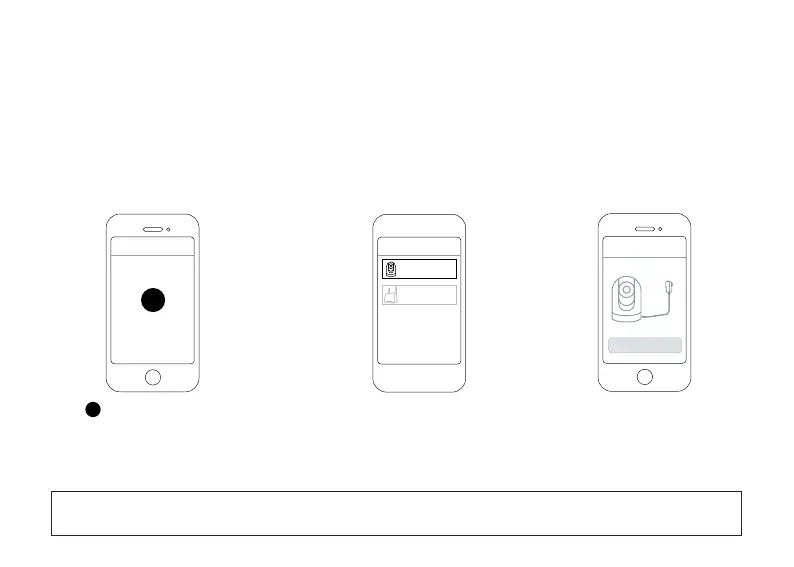
Step 3. Add your camere to Foscam App
Step 4. Add your camera by alternave method
●Tap Camera
+
+
Foscam
Add Device
Camera
Base Staon
Add Device
Next
+
●Tap buon or + buon on the top right
corner from App’s home page to start the
process of adding a camera.
●Tap Next
*If you have your camera around you, you can also scan the QR code to add camera to your Foscam App, and you
can find the QR code from the boom of your camera.



 To Next Page