33
INSTRUCTIONS FOR PARAMETER MODIFICATION
1. HOW TO SET THE PARAMETERS:
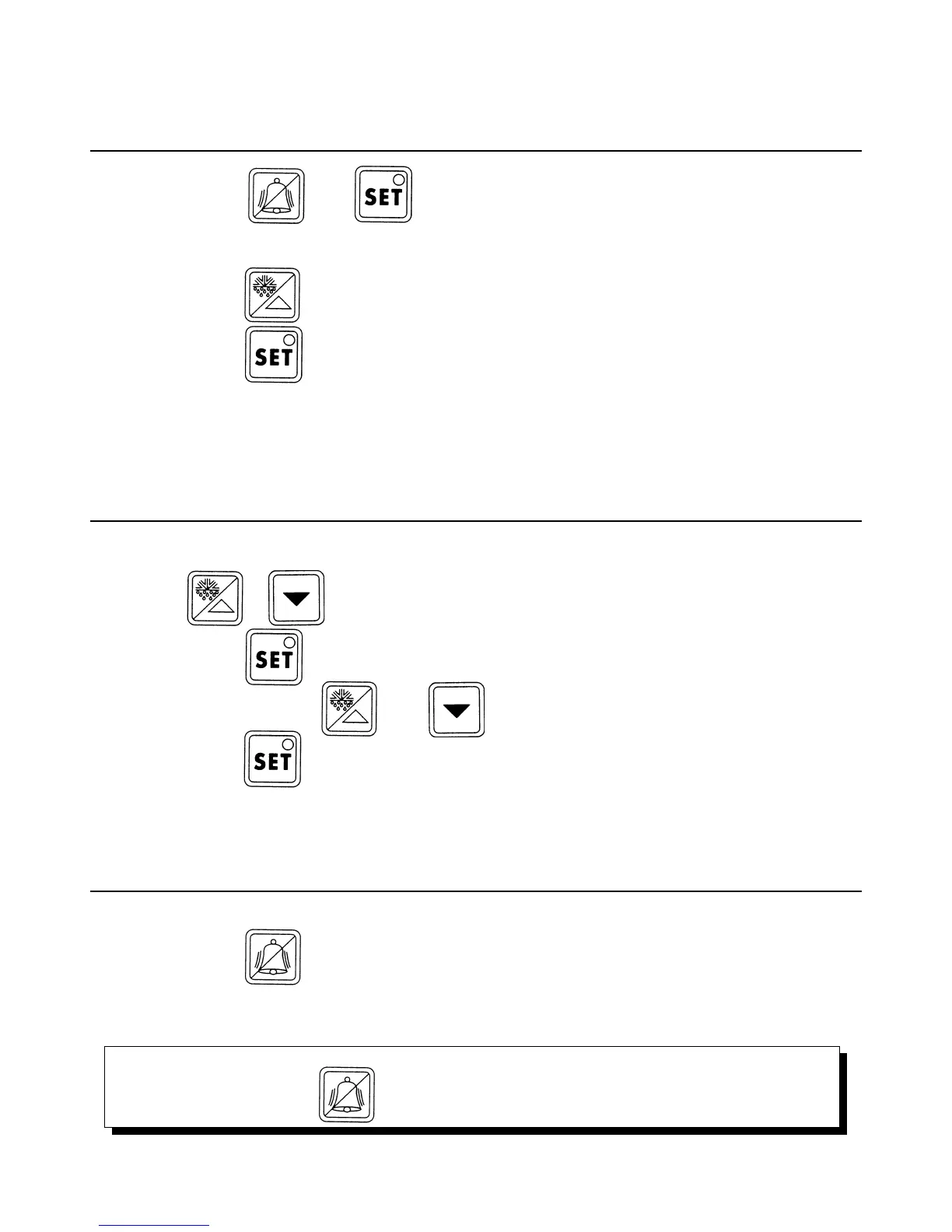
1A. Keep the keys and pressed together for more than 5 seconds.
1B. “00” will be displayed.
1C. Press the key to display 22 (password)
1D. Confirm with
1E. The first parameter to be changed will be displayed.
To modify parameters see next section “Parameters modification”.
2. PARAMETER MODIFICATION:
To modify a parameter please follow the instruction given here under:
2A. Press or to display the parameter of which you want modify the value (see user
parameters).
2B. Press the key to display the value connected to the parameter.
2C. Modify the value pressing and until you reach the required one.
2D. Press the key to confirm temporarily the new value and return to the display of the parameter code.
2E. Repeat every operation code from point 2A in order to modify the other parameters’ values.
3. MEMORISATION OF NEW VALUES:
To modify a parameter please follow the instruction given here under:
3A. Press the key to memorise all the new values and exit the parameter modification proceedure.
TO EXIT WITHOUT MODIFYING PARAMETERS: do not press any key for at least 60 seconds. (exit for TIME OUT).
ATTENTION:
If you do not press the key after the parameter changes, all modifications selected will be lost.



 To Next Page