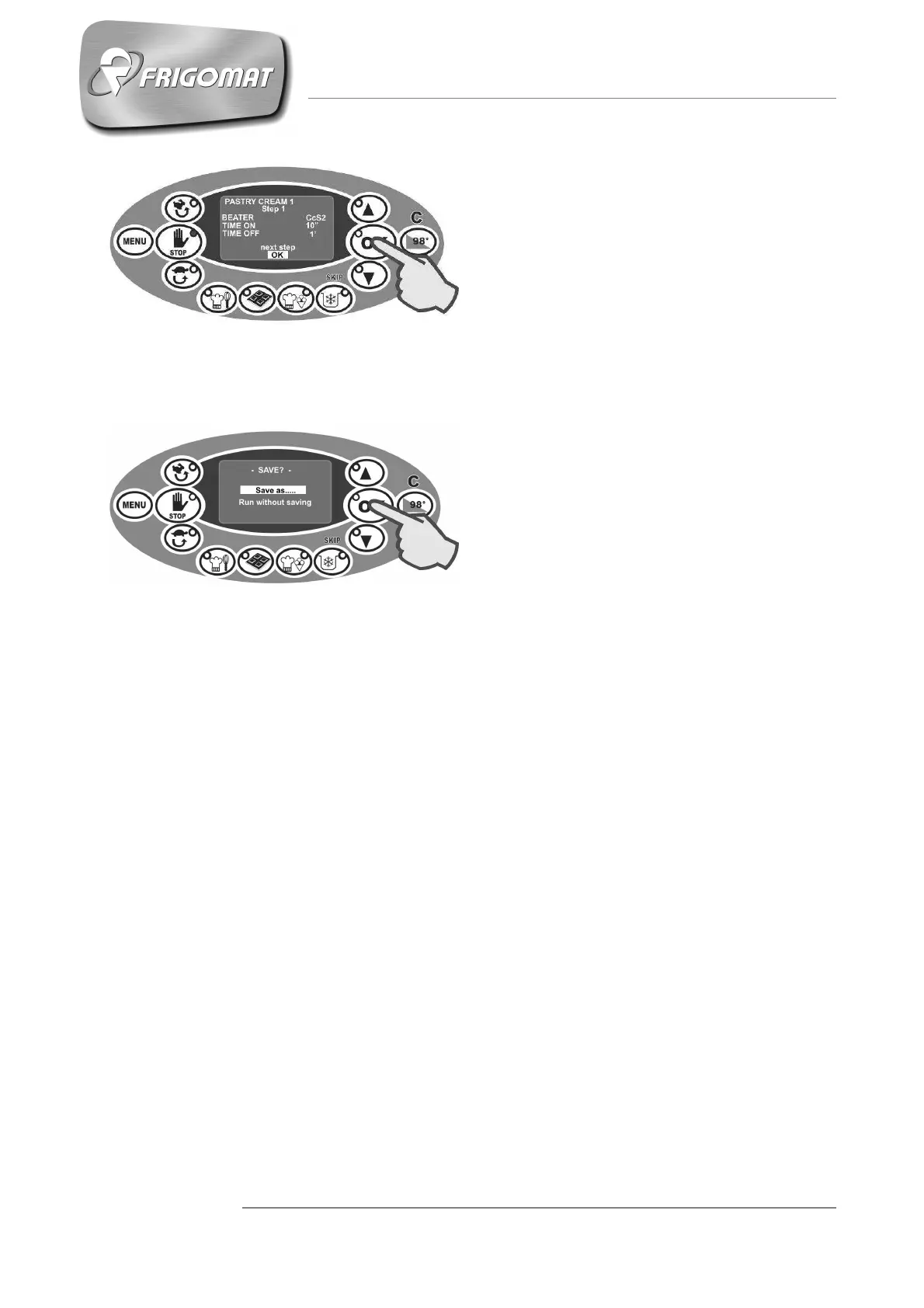
If however you wish to terminate the
changes and exit programming, press
“DOWN” to highlight the entry “OK” at
the bottom of the screen and then
press “OK” to confirm the choice
(Fig.14).
Whichever step you are in, when
programming has ended, one
accesses the “SAVE” menu, which
allows you to add the recipe that was
just modified to the recipe list present
in the memory and which can be
recalled directly from the “Recipes”
menu (Fig.15).
Fig.14
Fig.15











 To Next Page