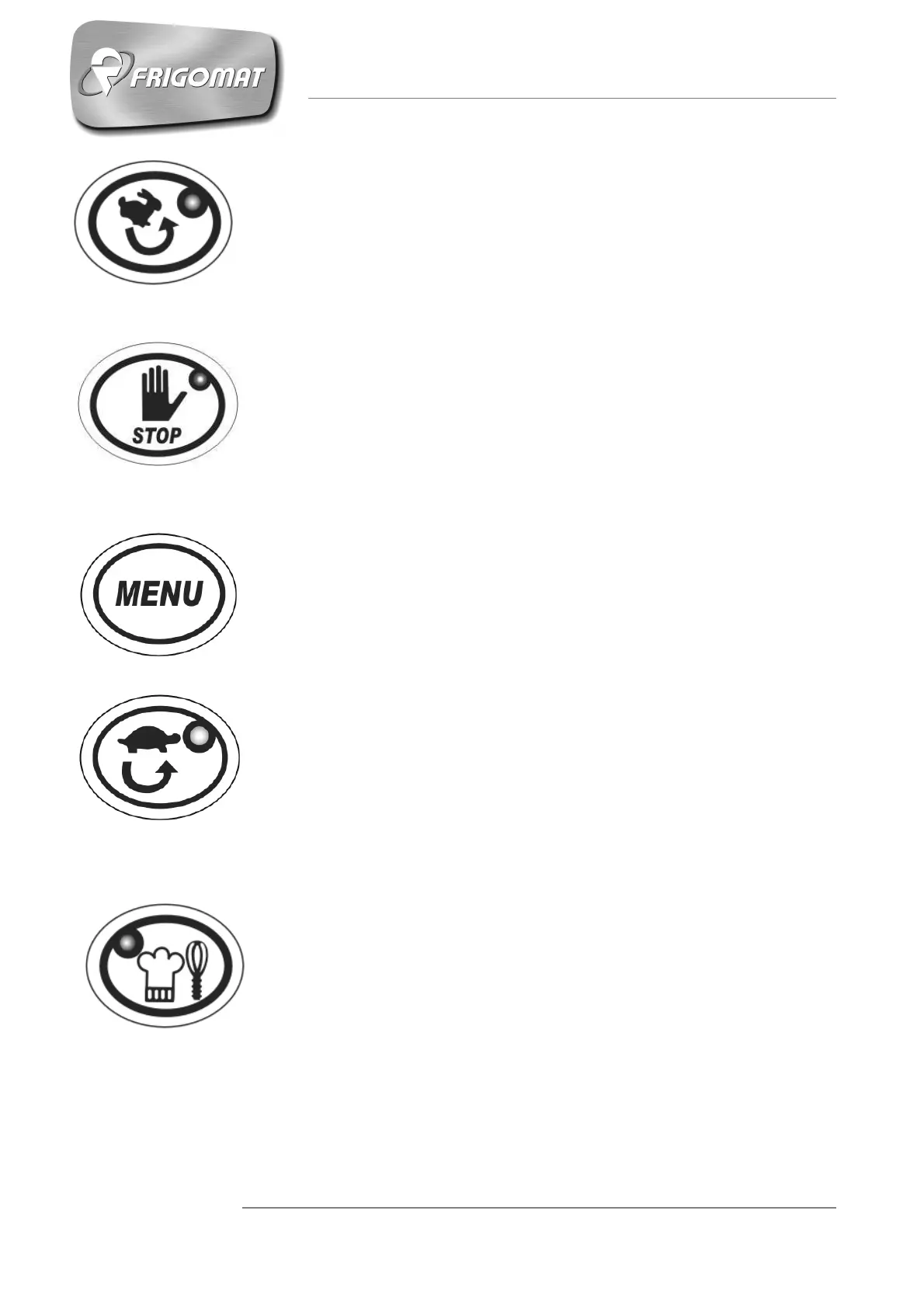
1. HIGH SPEED MIXING (V9)
With the machine at STOP, by pressing the HIGH SPEED MIXING
key, the high speed beater motor (V9) starts up; press the STOP key
to stop the beater.
2. STOP
In whatever operating phase the machine is in, pressing the STOP
key stops the machine and cancels the function in progress.
3. MENU
With the machine at STOP, pressing the MENU key accesses the
main screen where it is possible to choose to perform one of the 32
pre-set recipes, to change them or to create new ones.
4. MIXING (MEDIUM SPEED V5)
With the machine at STOP, by pressing the MEDIUM SPEED
MIXING key, the medium speed beater motor (V5) starts up; press
the STOP key to stop the beater.
5. “CREAM” QUICK KEY
With the machine at STOP, pressing the “CREAM” quick key
accesses the optimised semi-automatic cycle to produce all the
cream recipes, with the possibility of selecting the main cycle
parameters.
Press the “CREAM” key twice to start the cycle quickly.











 To Next Page