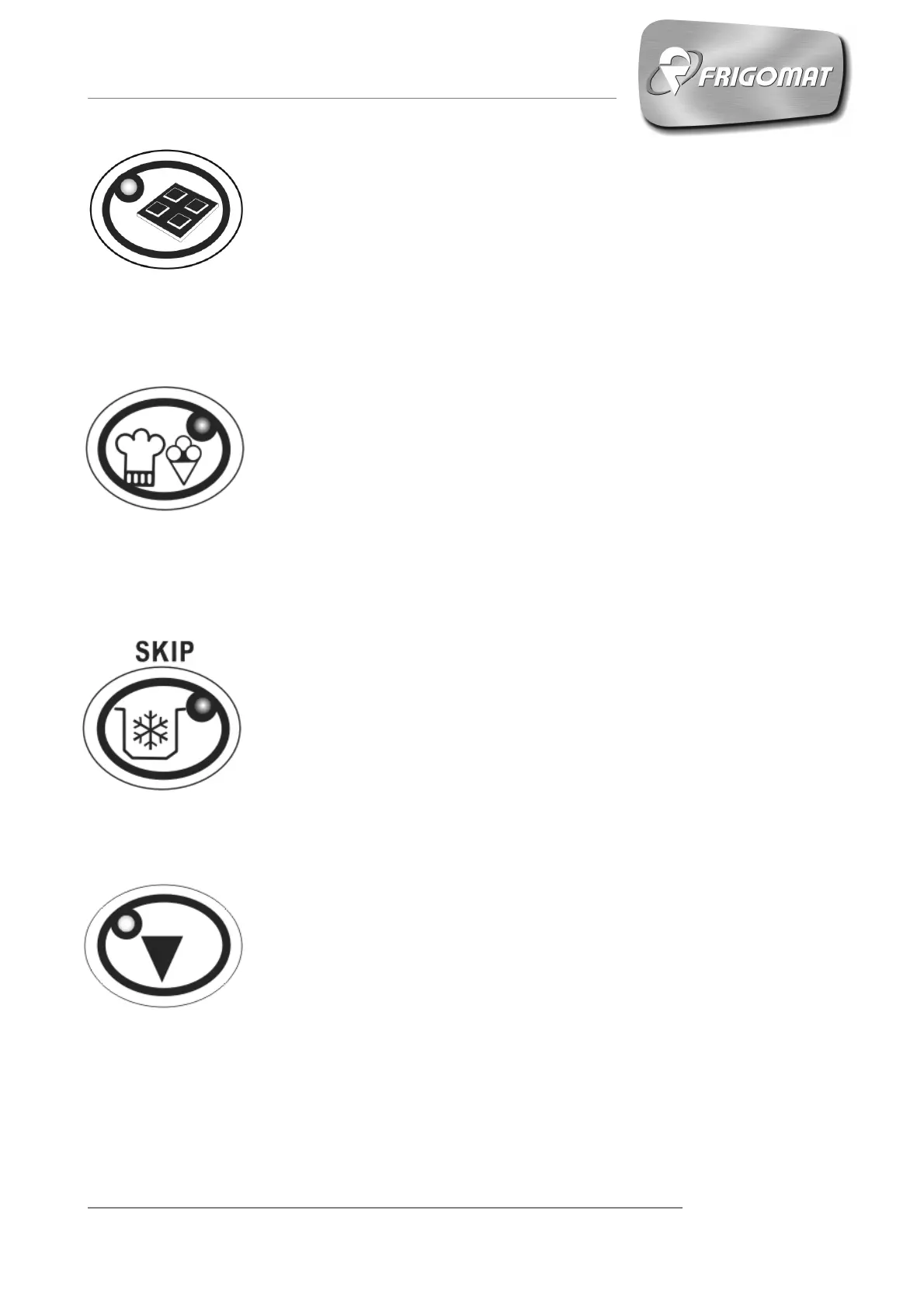
6. “CHOCOLATE TEMPERING" RAPID KEY
With the machine at STOP, pressing the “CHOCOLATE
TEMPERING” rapid key accesses the optimised semi-automatic
cycle for chocolate tempering, with the possibility of selecting the
main cycle parameters.
Press the “CHOCOLATE TEMPERING” key twice to start the cycle
quickly.
7. “MIXTURE PROCESSING” QUICK KEY
With the machine at STOP, pressing the “MIX TREATMENT” rapid
key accesses the optimised semi-automatic cycle for pasteurisation
of the mixture for ice cream, with the possibility of selecting the main
cycle parameters.
Press the “MIXTURE PROCESSING” key twice to start the cycle
quickly.
8. “STORAGE” / SKIP QUICK KEY
This button has 2 functions:
3. With the machine at STOP, pressing the “STORAGE” rapid key
accesses the screen of the menu where it is possible to choose
the most suitable STORAGE cycle for the product being
processed.
4. During the execution of a cycle, by holding the STORAGE key
down for a few seconds, the SKIP function is enabled, which
allows to annul the step in progress and pass to the next step.
9. DOWN
This button has 2 functions:
3. While a cycle is being executed, pressing the DOWN key
decreases the rotation speed of the beater motor.
4. During programming, by pressing the DOWN button, it is
possible to scroll the menu entries or to reduce the value of the
selected parameter.











 To Next Page