Obtaining an IP Address Automatically
FRITZ!Box 6490 Cable 125
Obtaining an IP Address Automatically in Windows
1. In Windows 7 and Vista click “Start”.
In Windows 8 and 8.1, press the Windows key and the Q
key at the same time.
In Windows 7 and Vista, the Start menu with the Search
field appears. In Windows 8 and 8.1 the Search menu for
apps appears.
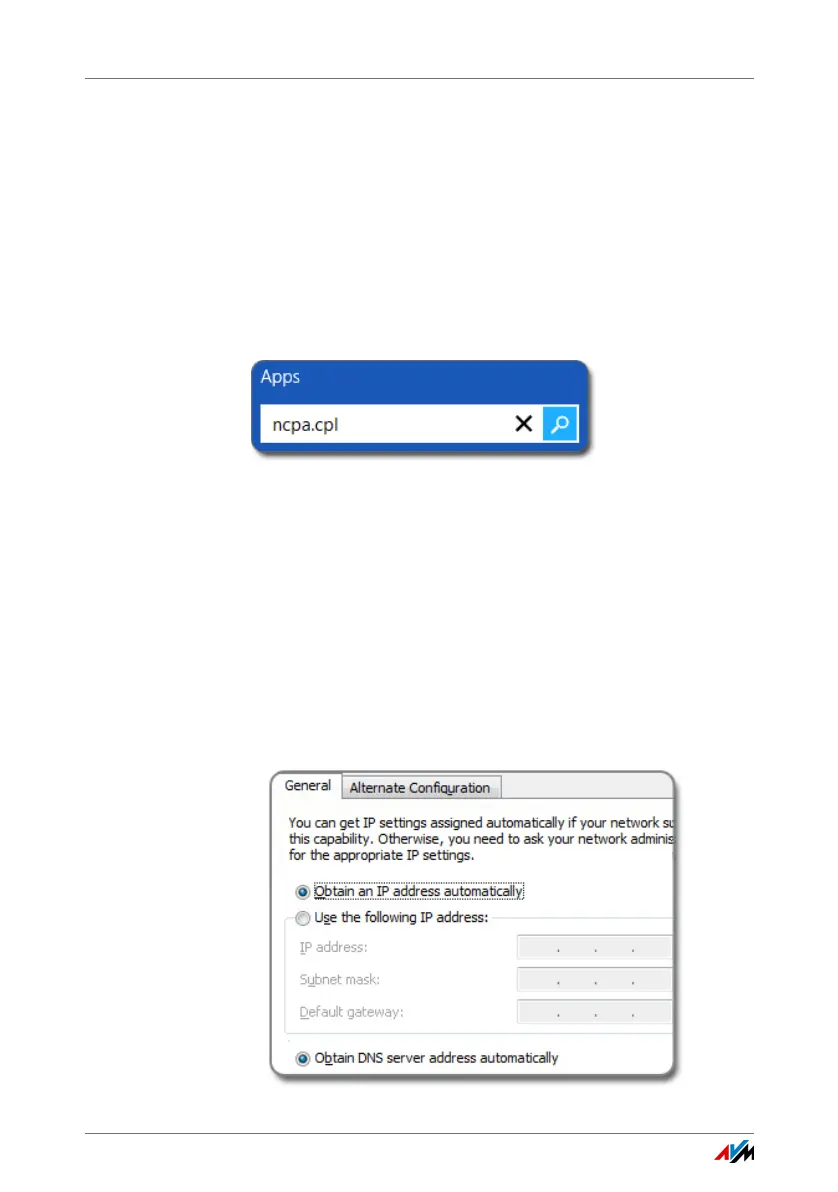
2. Enter “ncpa.cpl” in the search field and press Enter.
Entering “ncpa.cpl” in Windows 8
3. Click the network connection between the computer and
the FRITZ!Box with the right mouse button and select
“Properties”.
4. Under “This connection uses the following items”, select
“Internet Protocol Version 4 (TCP/IPv4)”.
5. Click the “Properties” button.
6. On the “General” tab, enable the options “Obtain an IP
address automatically” and “Obtain DNS server address
automatically”.















 To Next Page