The FRITZ!Box User Interface
FRITZ!Box 6490 Cable 25
7The FRITZ!Box User Interface
The FRITZ!Box has a user interface you can open in a web browser on
your computer.
In the user interface you can set up the FRITZ!Box, enable or disable
functions and receive information on the FRITZ!Box and on your con-
nections.
7.1 Opening the User Interface
The FRITZ!Box user interface can be opened on any computer
connected with the FRITZ!Box.
1. Start a web browser on your computer.
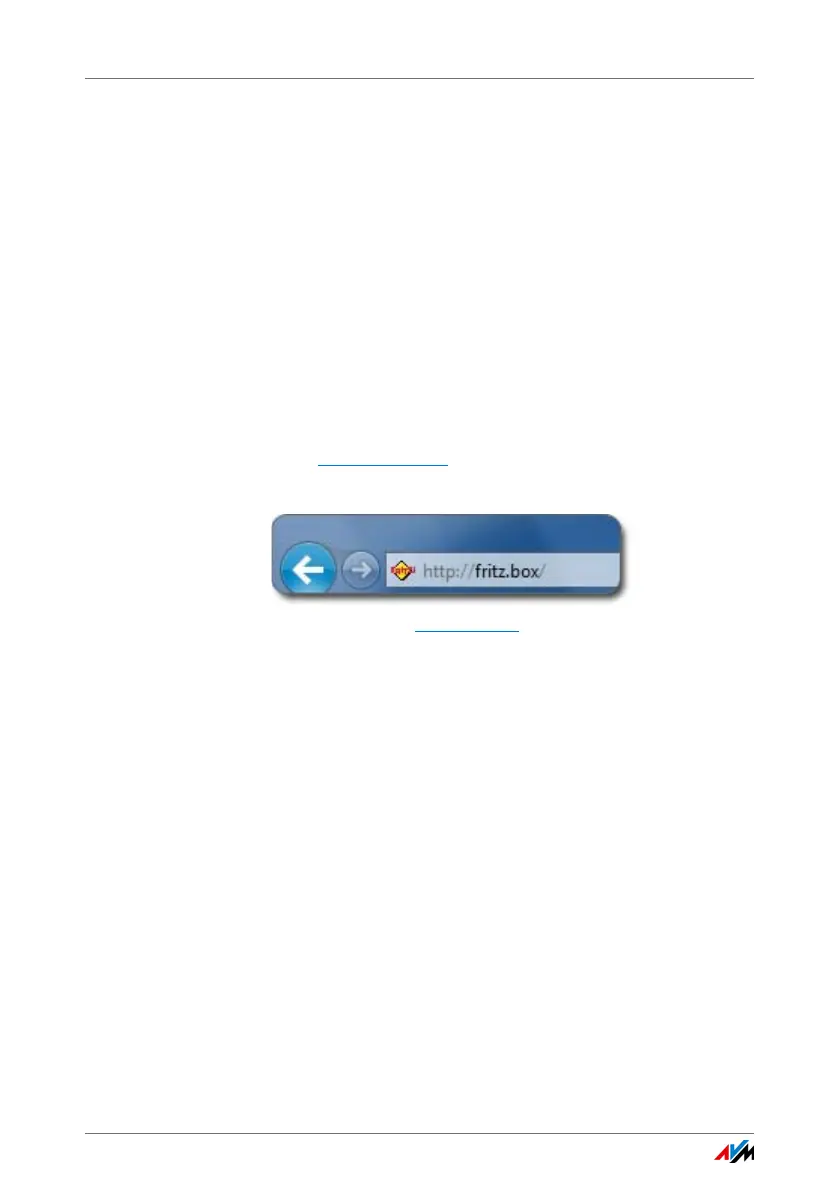
2. Enter http://fritz.box
in the address line of the browser.
The FRITZ!Box user interface opens.
Entering the address http://fritz.box in the browser
If the user interface does not open, see the instructions on re-
solving errors in The User Interface Does Not Open from
page 141.
7.2 Overview: FRITZ!Box at a Glance
All important information about the FRITZ!Box is displayed di-
rectly on the “Overview” page of the FRITZ!Box user interface.
By clicking the linked entries or “more...” you can jump from
this page to the corresponding menus and configure settings
there.















 To Next Page