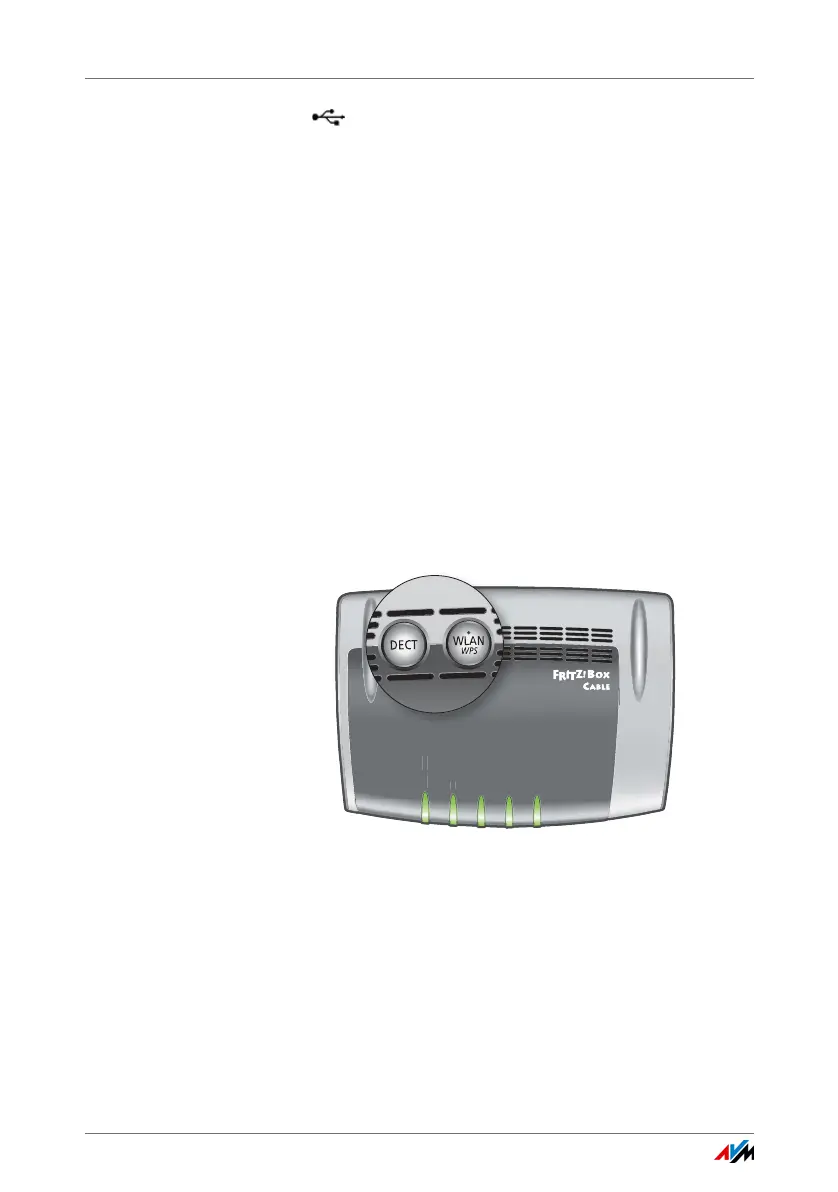
Buttons
FRITZ!Box 6490 Cable 13
• USB
2 USB 2.0 ports for connecting USB devices like printers
or storage media
• Wireless access point
Integrated wireless access point for connecting to wire-
less LAN devices that use the radio standard
IEEE 802.11a, IEEE 802.11b, IEEE 802.11g or
IEEE 802.11n (in the 2.4- or 5-GHz frequency band) or
IEEE 802-11ac
• DECT base station
Integrated DECT base station for connecting up to
6 cordless telephones that use the DECT standard
2.2 Buttons
The FRITZ!Box has two buttons on the top of the housing.
FRITZ!Box buttons
You can lock the keys on the FRITZ!Box. For more information,
read Locking the Buttons on the FRITZ!Box on page 32.
Power / Cable
WLAN
Info
Fon
DECT
w
C
l
n
DE
T















 To Next Page