Connecting a Computer with a Network Cable
FRITZ!Box 6490 Cable 19
5 Connecting a Computer with a Network Cable
You can connect computers and other network devices with the
FRITZ!Box using a network cable.
5.1 Connecting to the Computer
One computer or other network device can be connected to
each LAN port of the FRITZ!Box.
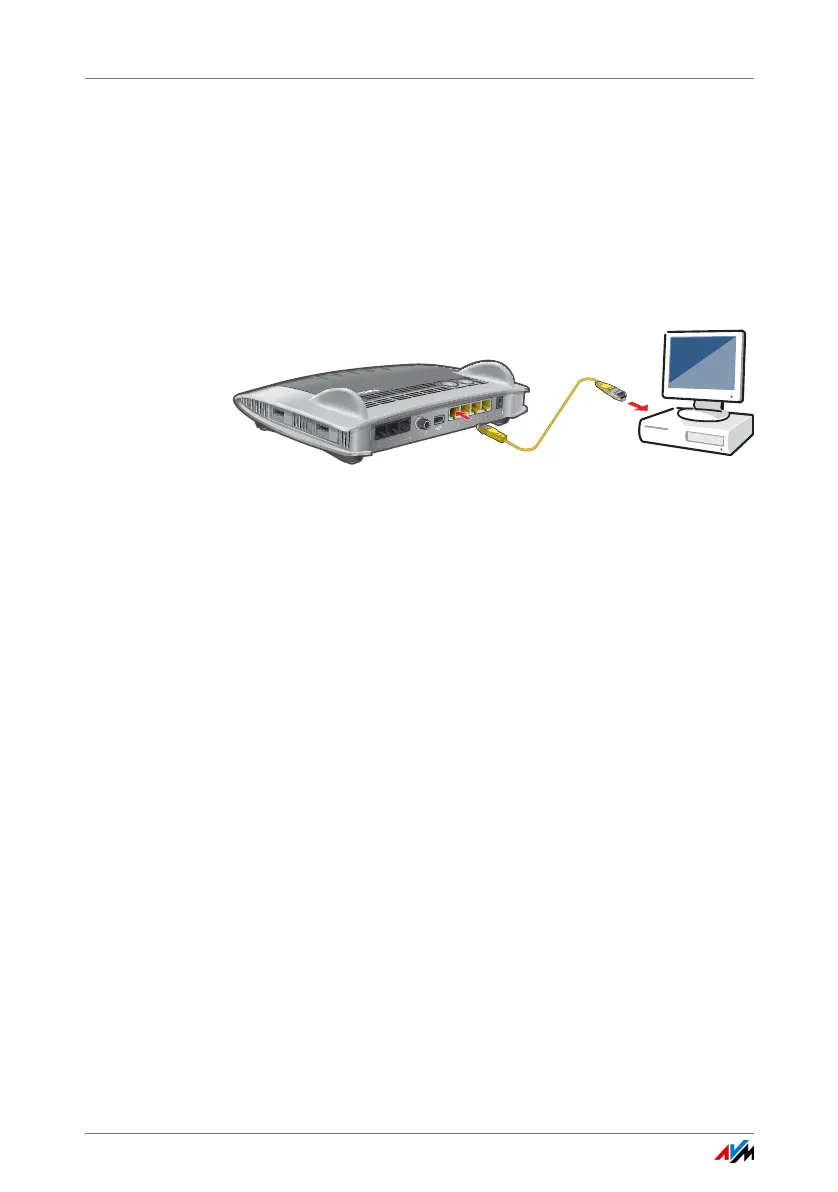
Connecting a computer using a network cable
1. Insert the network cable included in the package into
the LAN port of the computer.
You can also use any other network cable. For more in-
formation, see page 160.
2. Insert the free end of the cable into a LAN socket on the
FRITZ!Box.
Now the FRITZ!Box and the computer are connected with each
other.
FON S
0
W
LAN
W
P
S
D
ECT
In
f
o
WLA
N
D
E
C
T
F
o
n
P
o
we
r/
C
a
b
l
e















 To Next Page