FRITZ!Box 6490 Cable 44
Using a FRITZ!Box Password
3. In the “FRITZ!Box password” field, enter the password
you specified.
For more information on the characters you may use for
the password, see the Help in the FRITZ!Box user inter-
face.
4. Save your changes by clicking “Apply”.
You will be directed to the welcome screen of your
FRITZ!Box.
5. Enter your user name to log in to the user interface of
your FRITZ!Box.
Password protection is enabled in your FRITZ!Box.
Quick Access to the Login Data
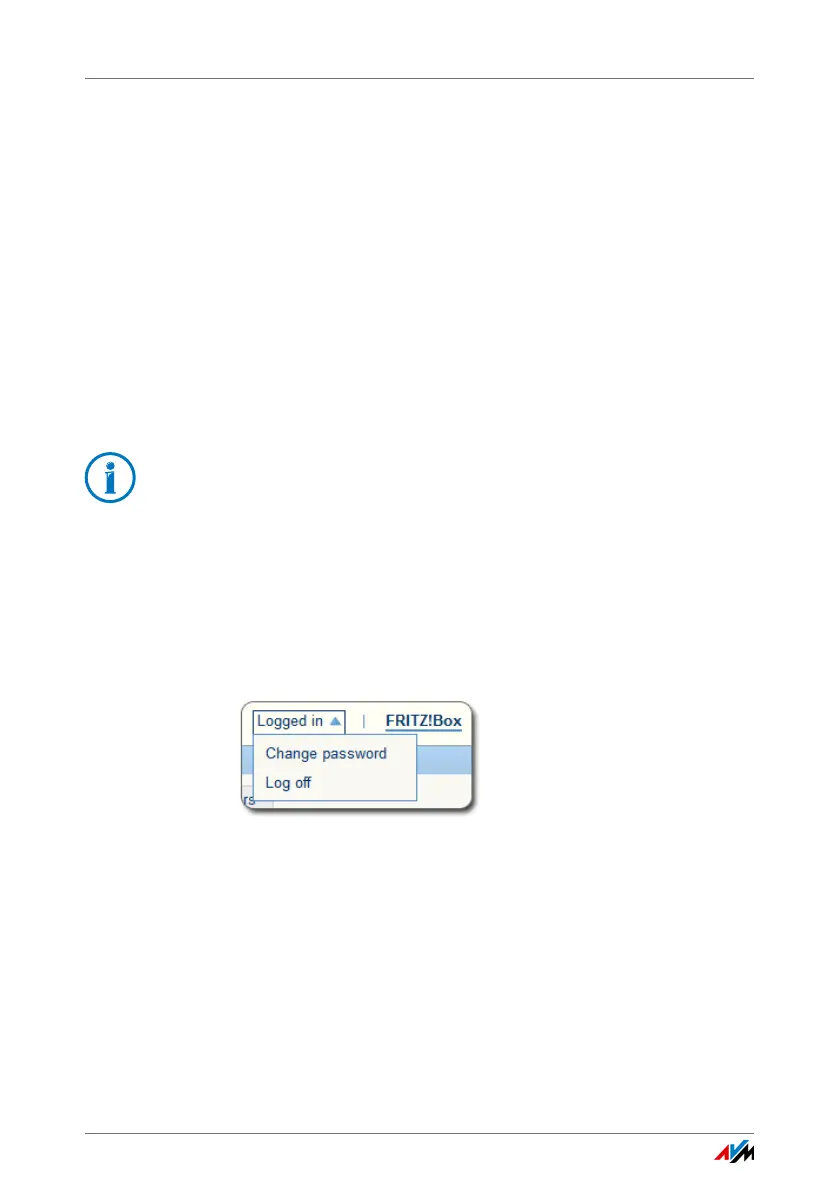
As soon as you have configured the FRITZ!Box password, the
upper navigation bar of the FRITZ!Box user interface will dis-
play the entry “Logged in”.
Click the blue triangle to control basic functions of your
FRITZ!Box log in:
• Change Password
Using the “Change password” entry you can change the
FRITZ!Box password.
With the FRITZ!Box password it is not possible to access the
FRITZ!Box from the Internet. For users who require access to
the FRITZ!Box via Internet, you must also set up an account
as a FRITZ!Box user; see page 45.















 To Next Page