Miscellaneous
10.3 Trusted Platform Module (TPM) [Updated]
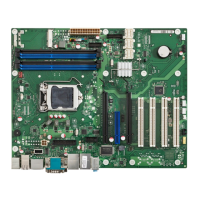
TPM V1.2 controller: Infineon SLB9635 (D3231-S/D3236-S) resp. Infineon SLB9660 (D3243-S)
TPM Infineon
TPM Jumper
(D3231-S / D3236-S) (D3243-S: TPM located on rear side)
Note:
- TPM Jumper must be installed in order to enable the TPM hardware (installed = default)
- TPM must be enabled in BIOS Setup before its features can be used
- For applications / customers that do not what to use TPM, the full functionality can be disabled and
hidden in BIOS Setup by the OEMIDENT tool. See OEMIDENT readme for details.
Once TPM has been disabled by OEMIDENT, it cannot be re-enabled again (only possible by factory RMA)!



 To Next Page