System expansions
Removing a hard disk drive
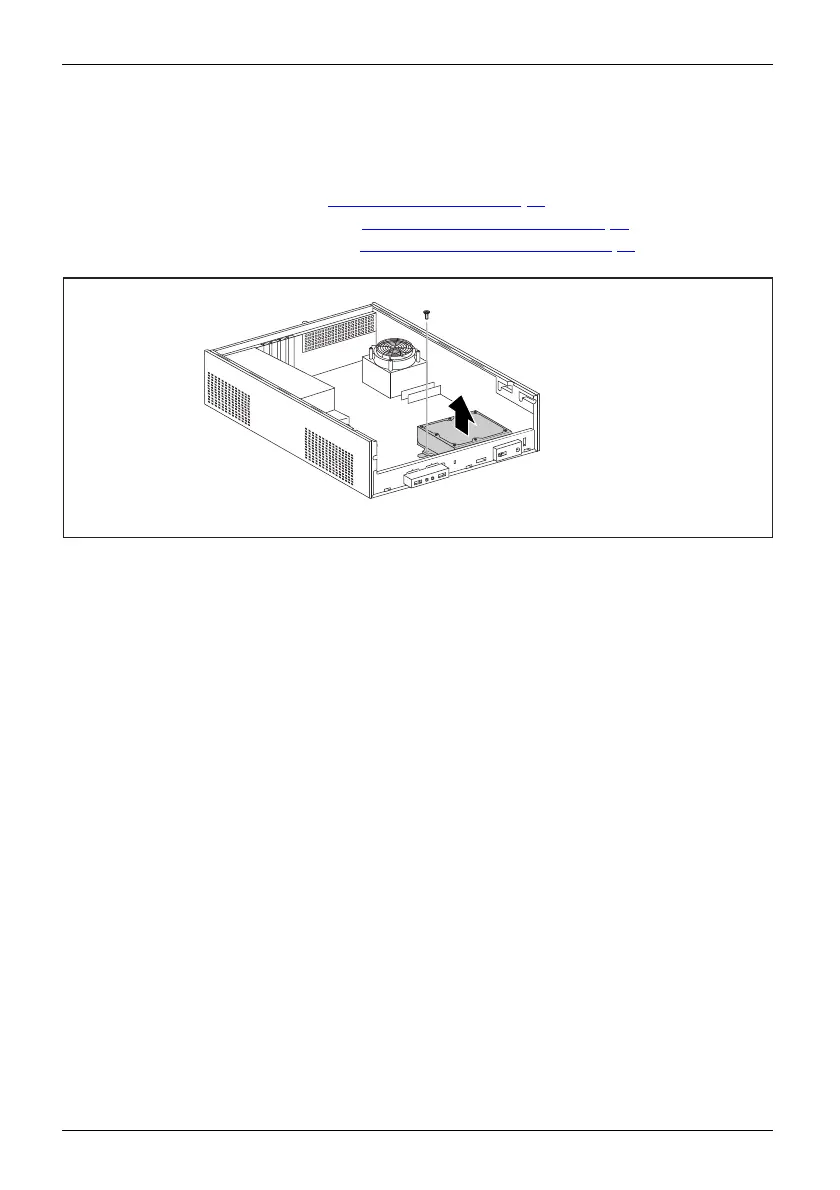
Removing the hard disk drive cage
► Remove th e cover (see chapter "Removing a cover", Page 33).
► Remove the fro nt panel (see chapter "
Removing the front pan el", Page 34).
► Remove the drive cage (see chapter "
Removing the drive carrier", Page 37).
► Disconnect the cables from the mainboard.
1
2
► Undo the screw (1).
► Take the hard di
sk drive cage out of the casing (2 ).
44 Fujitsu Technology Solutions








 To Next Page