125
5.2 How to check and reset the Consumable/Cleaning Counter
5
REPLACEMENT OF CONSUMABLES
5.2 How to check and reset the
Consumable/Cleaning Counter
This section describes the procedure of the following items using Software Operation Panel in PC.
•Confirmation of consumable usage and cleaning cycle.
•Counter reset after replacing the consumable or cleaning the scanner.
■ Checking consumable or cleaning counter
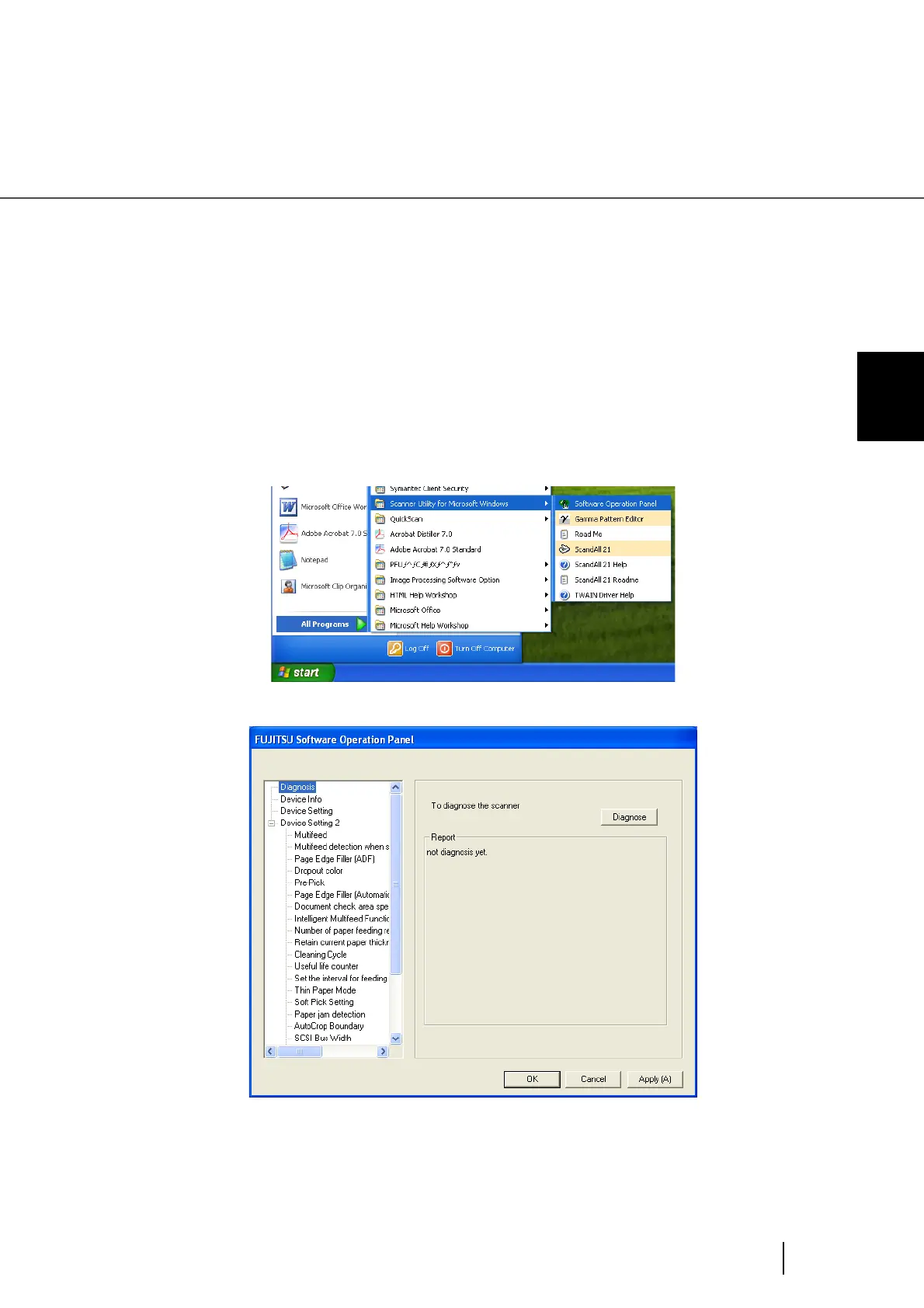
1. Turn on the scanner and confirm if it is connected correctly to you PC.
2. From the [Start] menu select [All Programs][Scanner Utility for
Microsoft Windows][Software Operation Panel] .
⇒ The [Software Operation Panel] window will be displayed.












 To Next Page