HINT
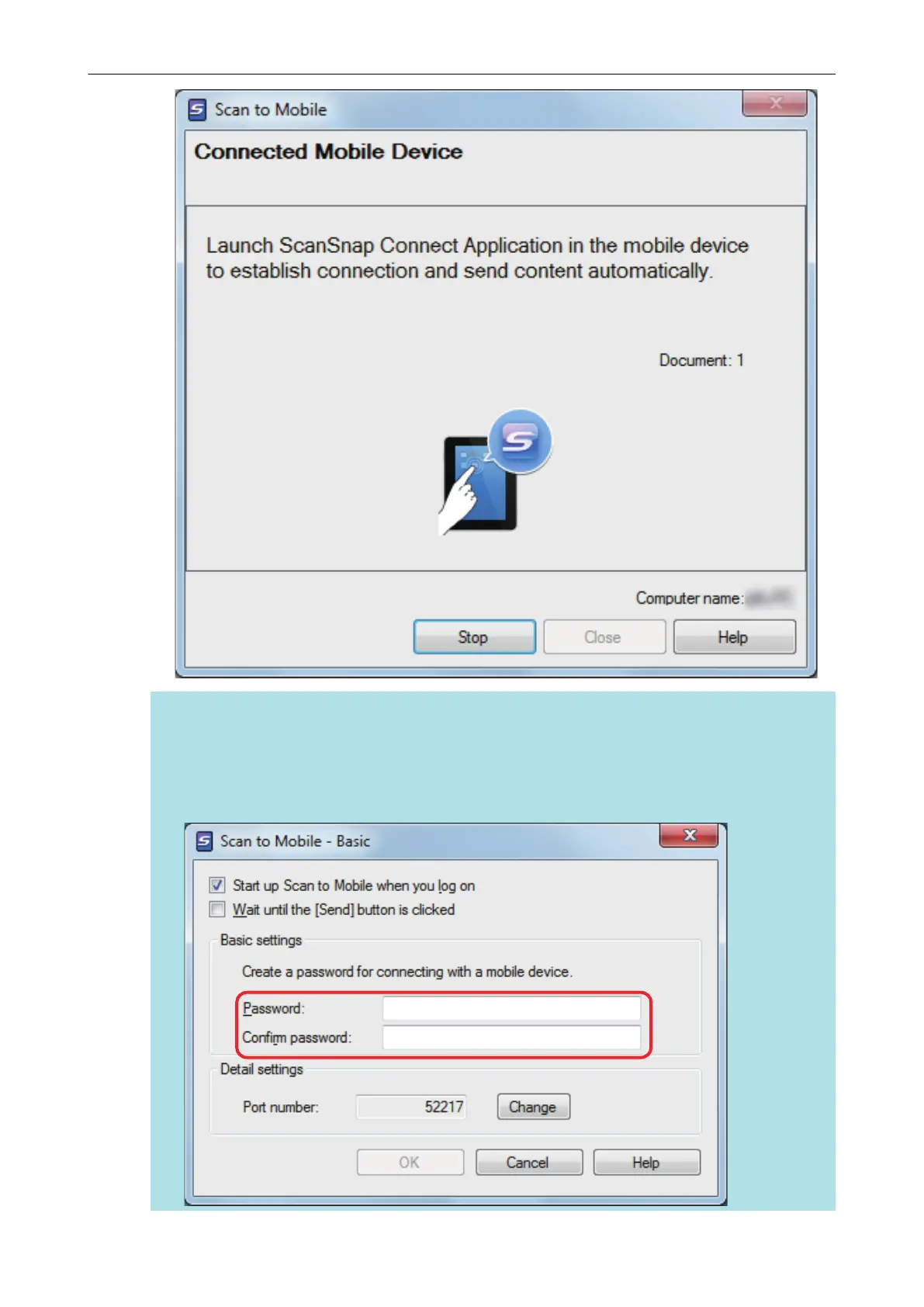
l On a window that appears when [Scan to Mobile] is started for the first time, click the [OK]
button to open the [Scan to Mobile - Basic] window. In the [Scan to Mobile - Basic] window,
enter a password to connect to the mobile device.
For details about other setting items, refer to the Scan to Mobile Help.
Saving Data to a Mobile Device
35















 To Next Page