l A firewall alert may be displayed. When the alert is displayed, click [Allow access] or
[Unblock] buttons to continue processing.
2. Connect to the computer from your mobile device.
For details about connecting to the computer from your mobile device, refer to the Basic
Operation Guide (Mobile Connection) for your mobile device.
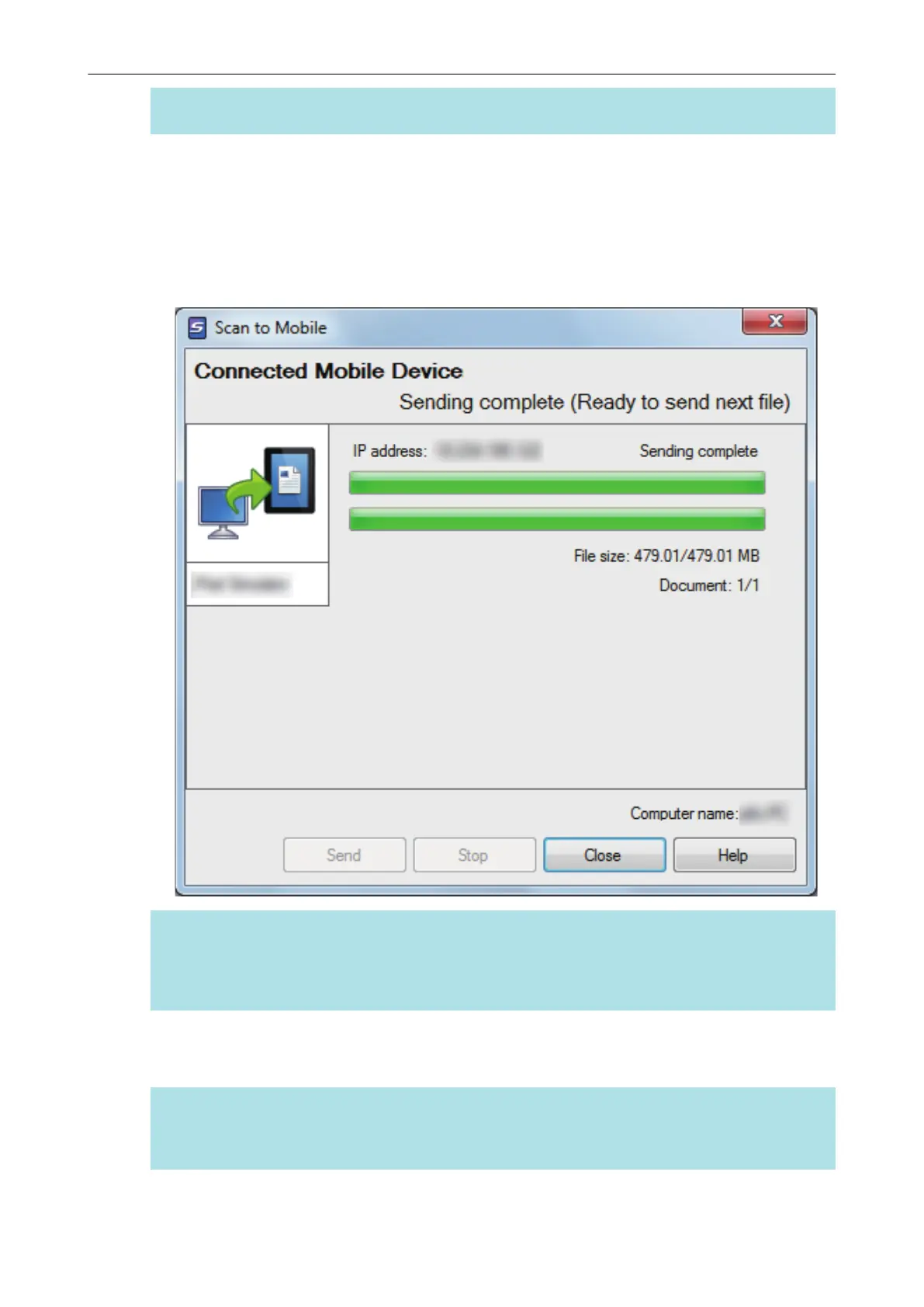
a When the connection is established, the [Scan to Mobile] window appears showing the
mobile device that is currently connected to the computer. Then, the scanned image is sent
to the mobile device.
HINT
When you select the [Wait until the [Send] button is clicked] checkbox in the [Scan to Mobile -
Basic] window, the [Send] button appears in the [Scan to Mobile] window. Click the [Send] button
to send the image to the mobile device.
3. Click the [Close] button to close the [Scan to Mobile] window when sending
of the scanned image is completed.
HINT
The [Scan to Mobile] window closes automatically when the mobile device is disconnected from
the computer.
Saving Data to a Mobile Device
36















 To Next Page