C156-E142-02EN 5 - 11
Damage for disk medium
Clean the cartridge at clean place. Put a disposable groves at cleaning
so that the fingerprint does not put on the disk media
(recommendation).
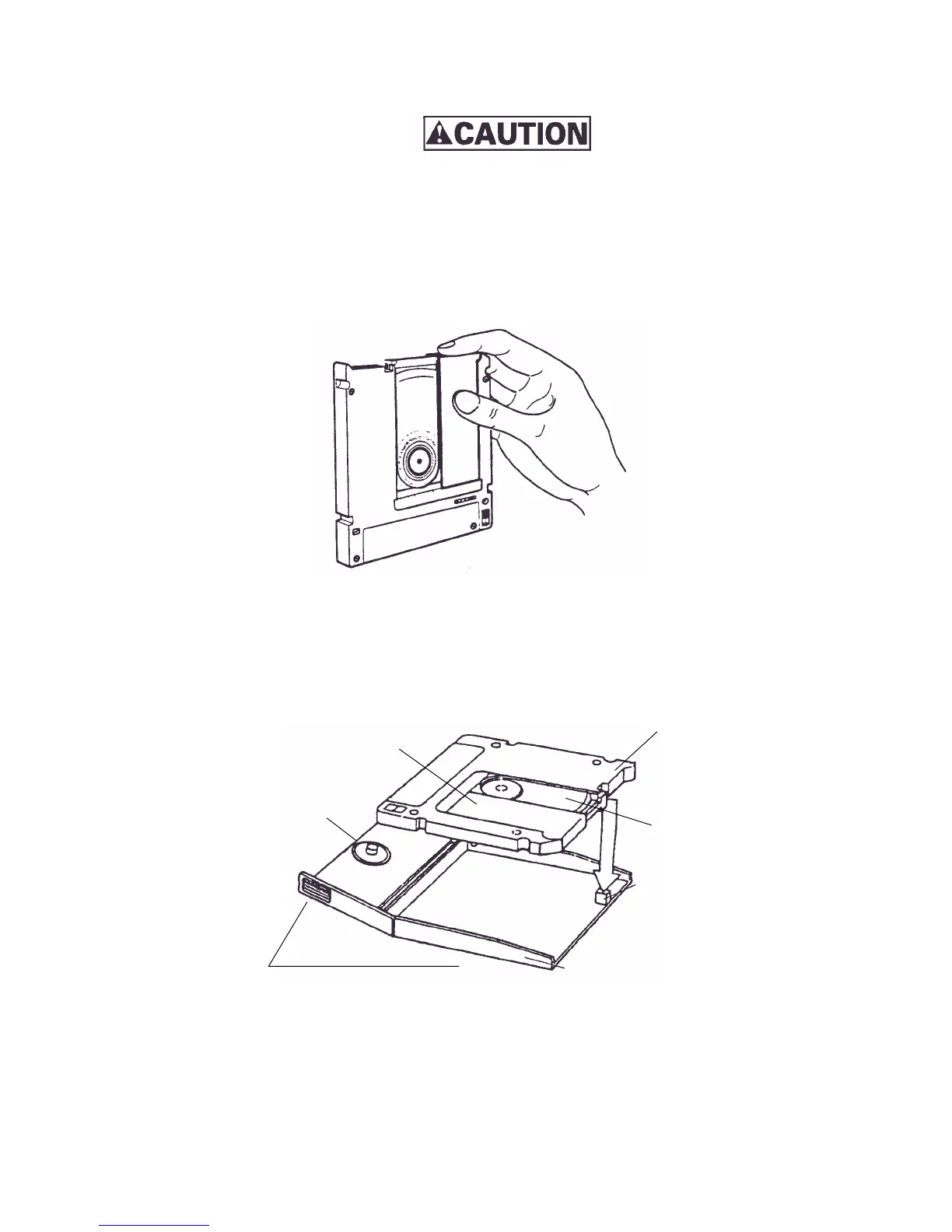
1) Slide the shutter completely open.
Figure 5.6 Cleaning procedure (1)
2) Set the cartridge with keeping label side down and shutter open to the shutter stopper of the
setting case as shown in Figure 5.7.
Figure 5.7 Cleaning procedure (2)
Shutter stopped
Setting case
Setting case as shown
Disk media
Spindle
Shutter
Cartridge



 To Next Page