Operation
► Press the button to open the INPUT
setting window.
► Press the / button to select the desired monito r port.
► Press the
buttontoconfirm the s
elected monitor port or
to close
the window without making any
changes.
If the selected input signal does not de live r an image, the monitor
shall change this automatically.
In the following cases an automatic change of t he input signal is disabled:
• When the " Daisy-Chain" function is activated.
• When the input signal to the "USB-C" monitor port is chosen.
Press the button
To call up the INPUT settings window if the monitor
is not displaying an image and is in power-saving mode.
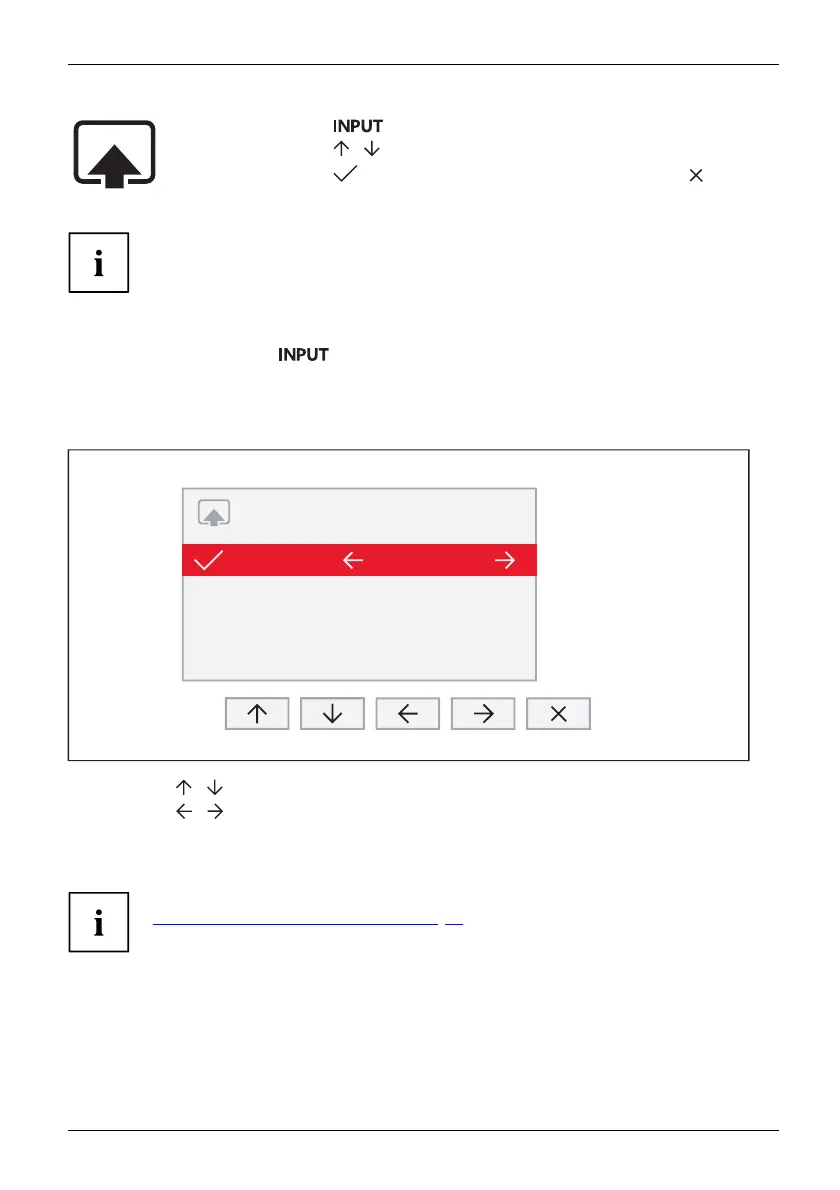
If on the USB-C upstr
eam port a sheer USB data connection is detected, an
enlarged setting wi
ndow will be displayed.
INPUT / USB UPSTREAM
HDMI1
HDMI2
DisplayPort
USB-C
USB-B
USB-B
USB-B
USB-C
► Press the / buttons to select the desired monitor port.
► Press the
/ buttons to change the assignment of the USB upstream to the relevant
video signal.
The built-in KVM will be switched based on the assignments set.
For fur
ther information on the KVM function, please refer to chapter
"
Notes
about the KVM funct ion", Page 48.
Fujitsu 31



 To Next Page
 Loading...







