Notes on the program "DisplayView"
Presence sensor
In the presence sensor submenu, you can activate and configure the power saving (PC
Standby) and security (Lock PC ) settings ba sed on the user’s presence status.
Rotation function
The rotation menu allows you to rotate the screen content pursuant to the screen orientation.
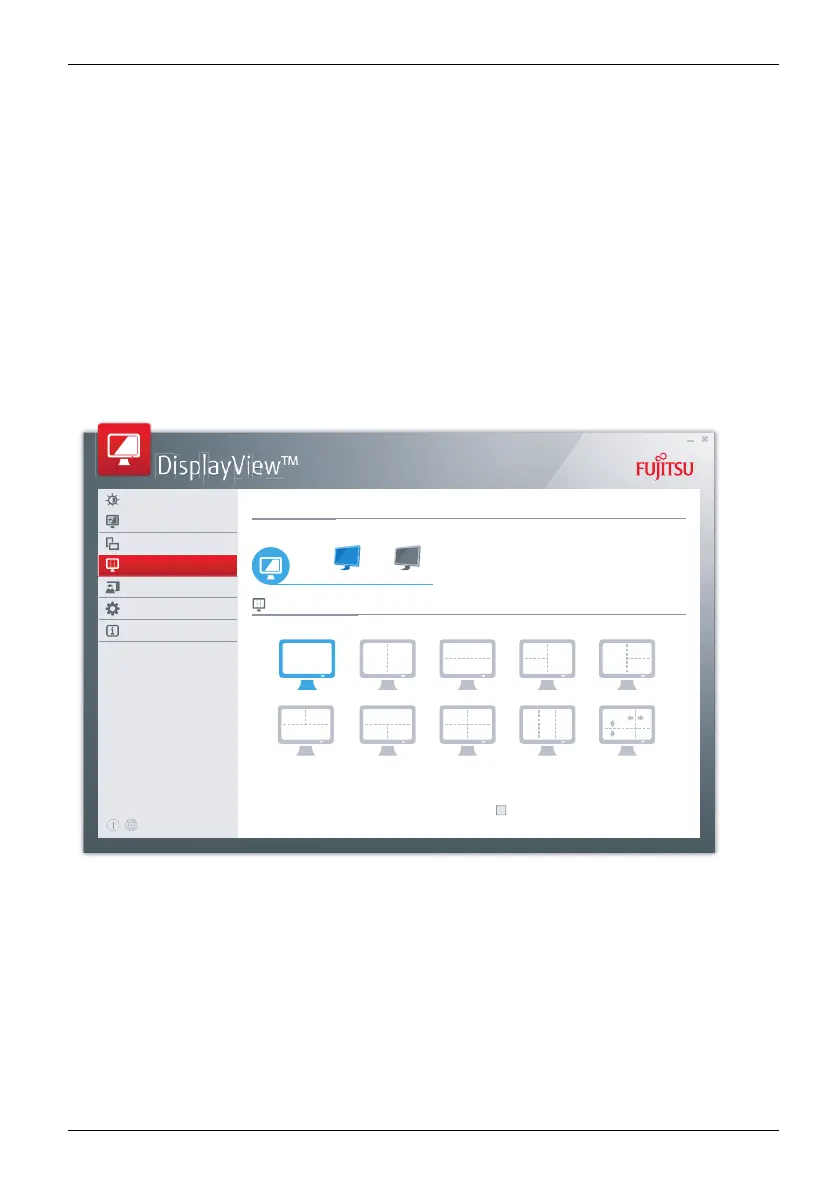
Desktop partitioning
The desktop area of the Microsoft Windows operating system can be divided into several areas
into which program windows can be fitted automatically by adjusting their size.
Connected displays
Desktop Partitioning
Display1 Display2
Brightness/Contrast
Mode
Rotation
Desktop Partitioning
Presence Sensor
Profiles
Information
Press left Ctrl key for Desktop Partitioning
Desktop Partitioning
Fujitsu 45



 To Next Page
 Loading...







